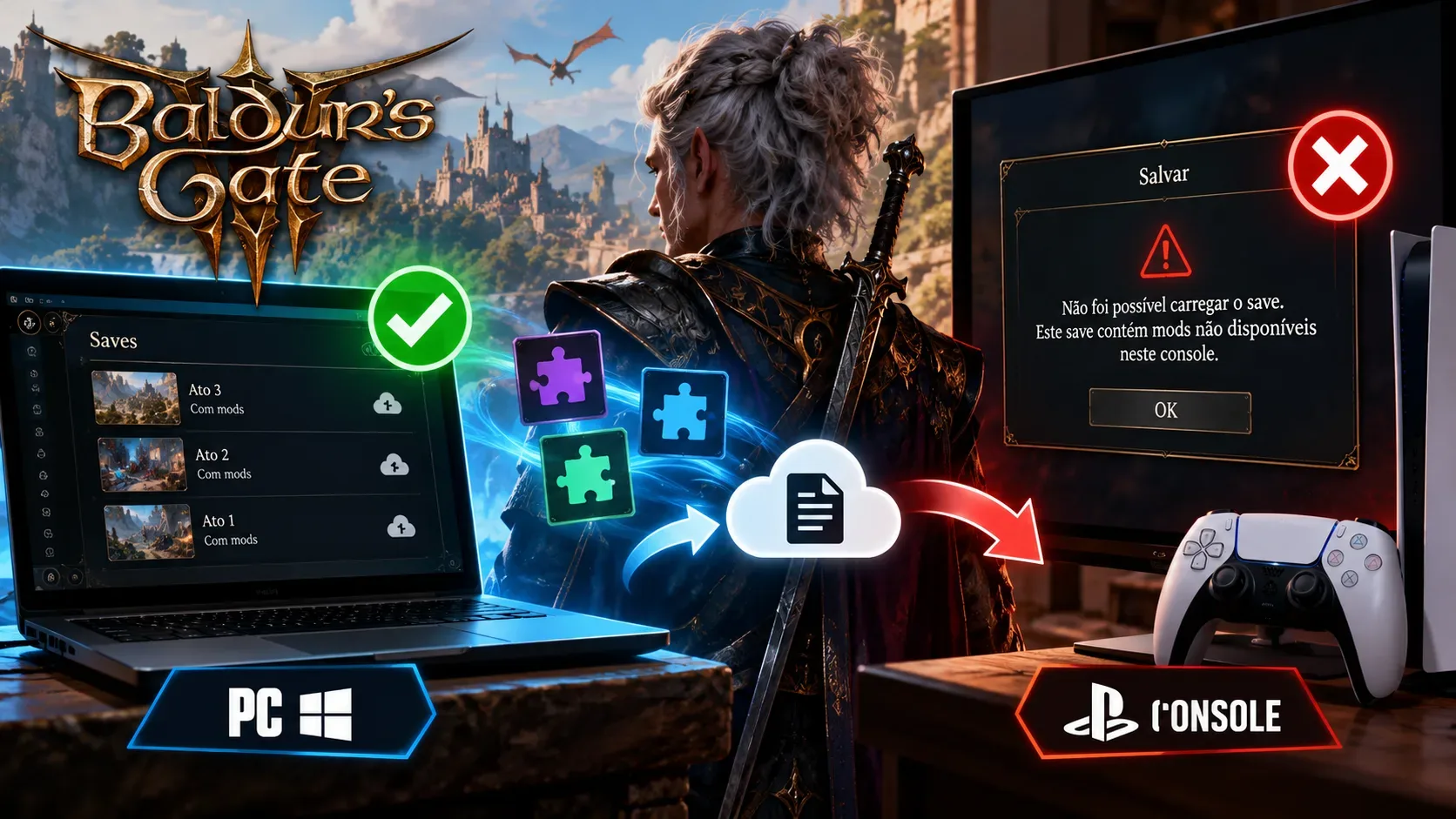
A modded Baldur's Gate 3 save can work perfectly on PC yet fail to load on PlayStation 5 or Xbox because cross-save transfers progress without making every PC mod compatible with consoles. Larian says saves containing mods that have not been approved for console cannot be loaded there. Even approved mods may run into version mismatches, dependencies, and the console limit of 100 mods.
One distinction matters right away: cross-save lets you continue a campaign on another device, whereas cross-play lets people on different platforms play together in a multiplayer session. Patch 8 introduced cross-play in April 2025, but it did not remove the restrictions affecting the mods tied to a save.
Why is a PC mod not automatically allowed on console?
In Community Update #29, published on October 1, 2024, Larian explained that only mods created and uploaded through its official Toolkit, reviewed through its curation process, and approved in internal testing can reach the console and Mac mod browser. Not every PC mod meets those platforms' technical limitations. A mod installed outside the PC game's official browser does not become console-compatible merely because the save has synced.
With Patch 7 rolling out to consoles and Mac that day, cross-save compatibility resumed. For saves using only mods approved on the destination platform, Larian said players should be able to load them and be prompted to download the required mods. The studio also made the opposite rule explicit: if a PC save includes a mod that was not approved for console, that modded save cannot be loaded there. This is a compatibility restriction, not automatically a cloud-service failure.
Diagnostic matrix: what to check in each scenario
| PC save scenario | Expected console outcome | What to check |
|---|---|---|
| Only console-approved mods, compatible versions, and no more than 100 active mods | In principle, it can load and prompt you to download or enable mods; bugs are still possible. | Actual availability of each mod and the verification window. |
| At least one unapproved mod or a PC-only third-party mod | Under Larian's stated rule, the modded save cannot be loaded on console. | The mods required by the save, not just those currently installed. |
| Approved mod missing, disabled, or at a different version | The game may request a download, activation, update, or switch back to a suitable version. | Matching mod versions and dependencies in the verification window. |
| More than 100 active mods in the save | The save exceeds the console limit and may be blocked from loading. | Total number of mods; preserve a copy before trying to reduce it. |
| PC and console running different game updates | Temporary incompatibility can occur; this happened during the Patch 7 rollout. | Install available updates on both devices before retesting. |
| An essential mod was disabled to meet the limit | Loading may still fail, or the campaign may become unstable. | Return to the earlier copy and examine the removed mod. |
How to troubleshoot without risking your main save
- Back up the save that opens on PC and leave the original untouched. Do not overwrite your only working campaign while testing.
- Identify the symptom: the save never appears on console, it appears but requests mods, or loading begins and crashes. Each points to a different stage.
- If it is missing, check that both platforms use the same Larian account, Cross-Save is enabled, and recent saves have synced. Larian's service is not a substitute for local backups.
- Update Baldur's Gate 3 on both platforms. Mismatched builds previously blocked cross-saves during the Patch 7 transition, although that particular rollout has ended.
- In the PC mod manager, inspect the mod list required by the save. Use the console-and-Mac availability filter or badge and check each mod; being available on PC is not sufficient.
- Make sure the intended console setup respects the 100-mod cap and the required versions are available. Use the verification window to download, enable, or adjust versions when offered.
- If an essential mod is not available on console, do not expect a cross-play setting or simply removing its files to fix the save. Test changes only on copies and consider keeping that campaign on PC.
Does disabling mods fix it? Not always
On November 21, 2024, Hotfix #29 introduced the 100-mod console ceiling after reports of slow loading and crashes with very large mod setups. On December 4, a follow-up fix allowed players with previously affected saves to try opening them by disabling mods and subscribing again to up to 100 of them. That did not mean every feature of the original save would be restored.
Larian itself warned that some altered game files require their corresponding mods to remain active for a campaign to load properly. Removing one can lead to errors, crashes, or unexpected behavior. For recovery attempts involving saves above the limit, the studio suggested first trying without dice skins, face cosmetics, and item-adding mods, rather than claiming that all mods can be removed safely. Treat this as a controlled attempt, not a guarantee.
If the save does not show up on console, that is a different problem
When the save is missing from the list altogether, first check Larian's sync service, whether the same account is linked on both platforms, and the Cross-Save setting. According to Larian support, the service retains copies of the ten most recent saves, not a permanent copy of an entire campaign. Since September 29, 2026, inactive synced saves older than six months are subject to permanent deletion from the cloud; local save files are not affected by that rule.
If the save appears but loading is blocked or the Mod Verification Window opens, investigate the mods and their versions before blaming cloud sync. Larian has also fixed specific problems with that window through hotfixes, including Hotfix #28. A missing-mod message therefore calls for a different diagnosis from a save that never reaches the list.
What can still change with updates
Compatibility depends on the catalog of mods approved for the destination platform, the game build, and the versions of the mods at the time you test. Check console availability in the game's official mod browser; there is no blanket approval for every PC mod. The safest approach is to keep the original save and test transfers using a copy with a console-compatible mod list.