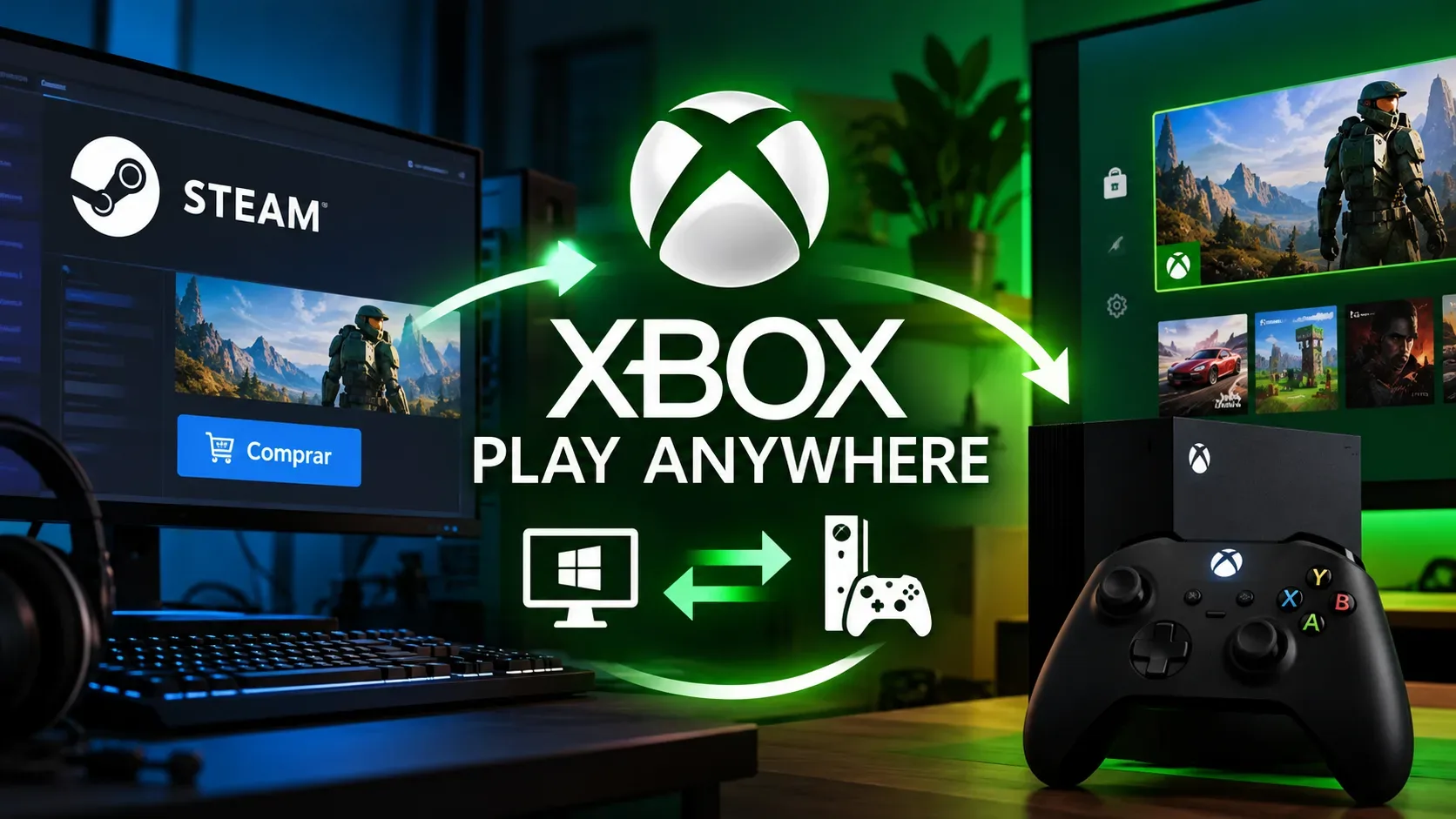
No. Buying a game on Steam, even if it runs on Windows and also has an Xbox release, does not automatically grant the console version through Xbox Play Anywhere. Microsoft’s program requires an eligible digital license purchased from the Xbox Store or Microsoft Store, or through a digital code supplied by a participating retailer. A Steam purchase remains subject to its Steam license terms.
The key distinction is where you bought the game, which edition participates and which account or progress features the game itself supports. Owning the PC version, using the Xbox app or linking a Microsoft account does not by itself turn a Steam license into an Xbox license.
Buy from store X: which version do you get?
| Where you buy | Play Anywhere entitlement | What to check |
|---|---|---|
| Steam, Windows edition | Does not automatically unlock the Xbox console edition. | The purchase is a Steam license; any additional entitlement would require explicit product or publisher terms. |
| Xbox Store, eligible digital game | One purchase grants the supported Xbox and Windows editions without buying twice. | The Xbox Play Anywhere badge and exact game edition. |
| Microsoft Store on Windows, eligible digital game | One purchase grants the supported Windows and Xbox editions without buying twice. | The badge on that edition and the same Microsoft/Xbox account. |
| Digital code from a participating retailer | May qualify once redeemed to the correct account. | The code must explicitly qualify for the participating edition; not every PC key will do. |
| Digital game not in the program | No automatic license on another platform. | Being available in both stores does not establish eligibility. |
| Physical console disc | Does not qualify for Xbox Play Anywhere. | The program covers digital games according to Microsoft’s FAQ. |
This table explains Play Anywhere entitlements, not any separate promotional offers a publisher might provide. Microsoft marks participating games with a badge in its stores and maintains an official list. Always inspect the specific edition you are buying rather than assuming every release in a franchise carries identical rights.
An account, a launcher and cross-save are not licenses
The Xbox app for Windows provides access to games available through an Xbox/Microsoft account. Installing it on a PC that also has Steam does not transfer purchases between storefronts. Similarly, signing into an Xbox account inside a Steam game may enable that title’s online features, but it does not automatically grant permission to install the console edition.
Cross-save refers to a game preserving or syncing progress across environments under the developer’s rules. Cross-play means playing with people on other platforms. Neither feature by itself establishes a shared purchase. A Steam game may offer its own save sync without the Steam transaction qualifying for Play Anywhere, or require separate licenses on each platform.
What an eligible Play Anywhere purchase actually shares
When both the game and transaction qualify, Microsoft describes these benefits:
- Access to the supported Xbox and Windows editions linked to the license holder’s account, without repurchasing the same participating game.
- Game progress and saves associated with the Xbox account, so play can resume on compatible devices.
- Eligible add-ons bought or earned for that game, including downloadable content and season passes as described in the FAQ; this does not automatically extend to purchases on Steam.
- One shared set of achievements and Gamerscore. The same licensed game cannot be used simultaneously on a console and a PC.
How to avoid paying for the same game twice
- Open the exact edition’s official Xbox or Microsoft Store page and look for the Xbox Play Anywhere badge. The franchise name alone is not enough.
- Make sure the transaction is through the Xbox Store, Microsoft Store or a qualifying digital code from a participating retailer, not a standard Steam product page.
- Check which Microsoft/Xbox account will receive the license, which devices the product listing supports and your PC’s system requirements.
- If you already purchased through Steam, check the game’s official cross-progression rules and the console-license terms separately. Do not mistake a linked account for Xbox ownership.
Services such as Game Pass and cloud access are separate ways to play and should not be confused with ownership rights under an eligible digital purchase. The practical rule is straightforward: Play Anywhere is tied to a qualifying purchase, not a universal pass between launchers. Terms and participating titles can change; these details were checked on October 25, 2026.