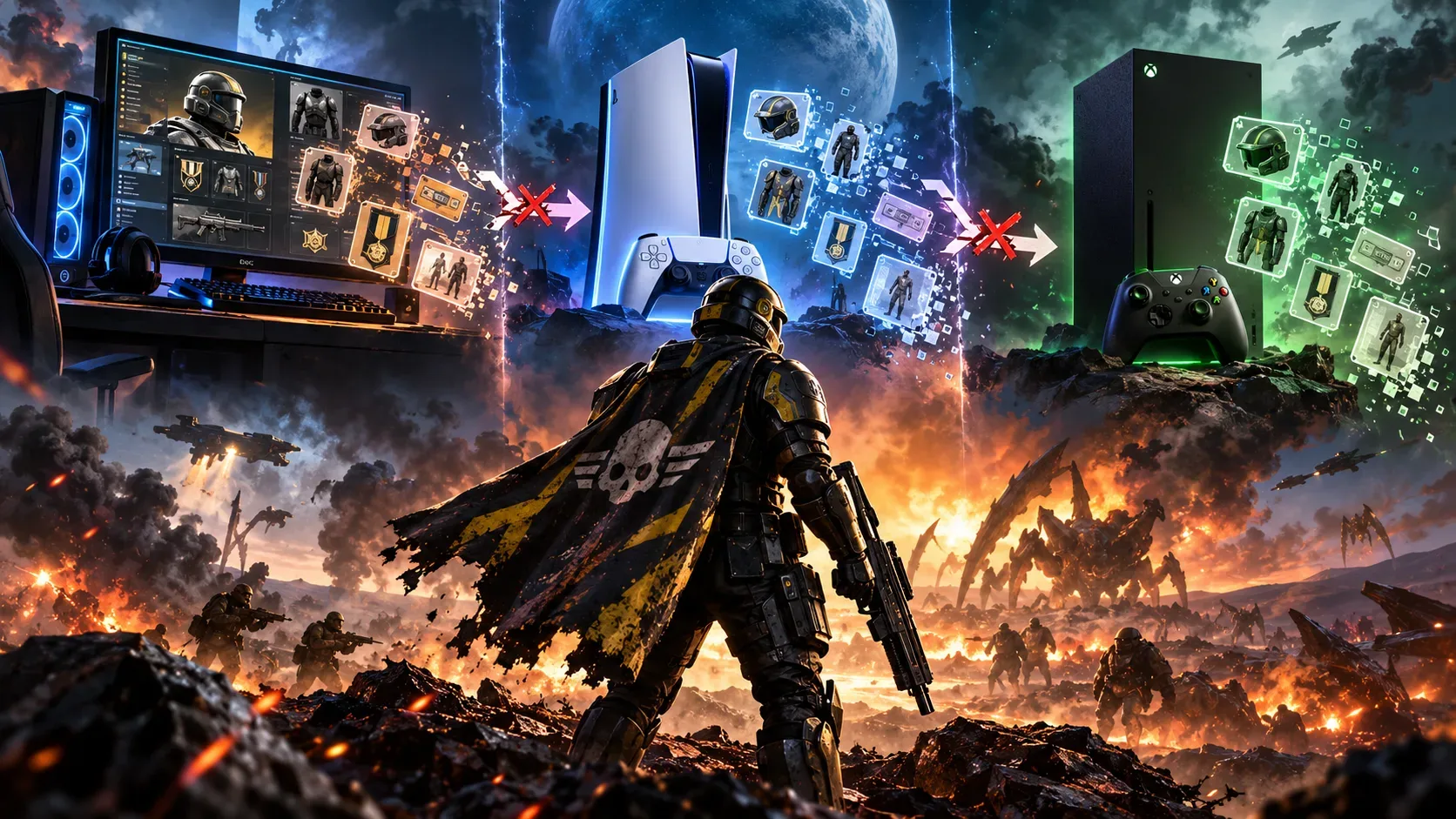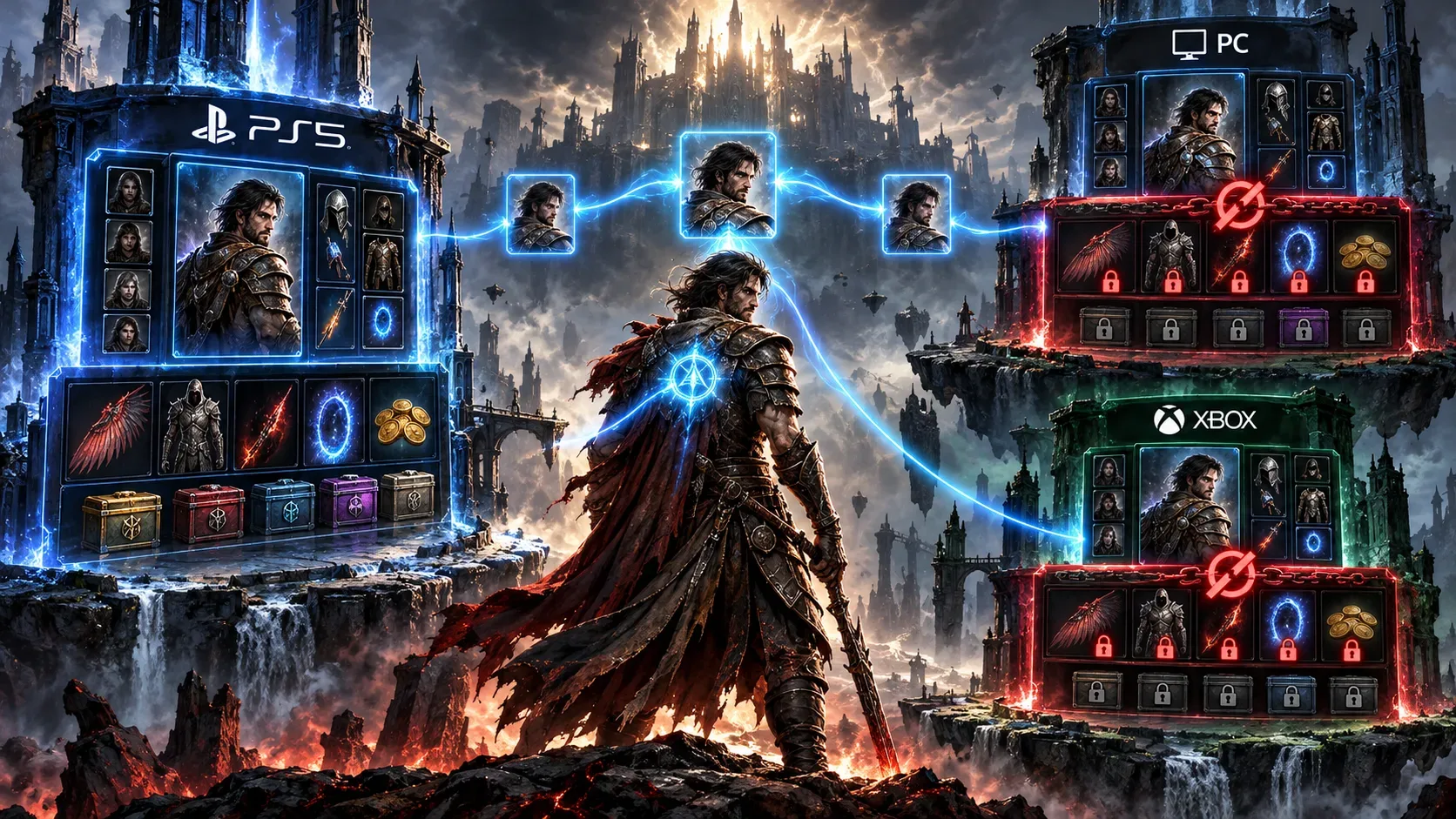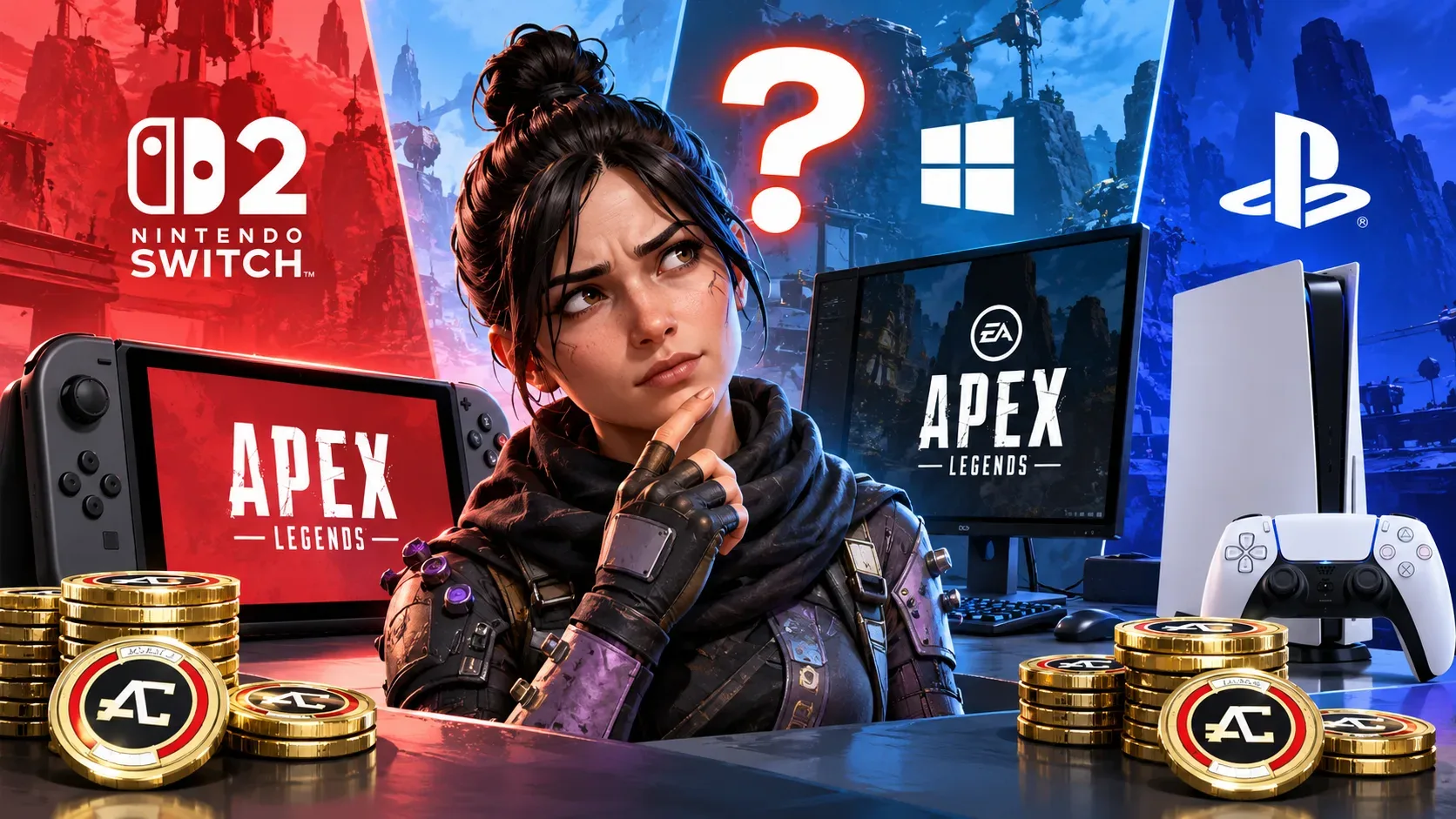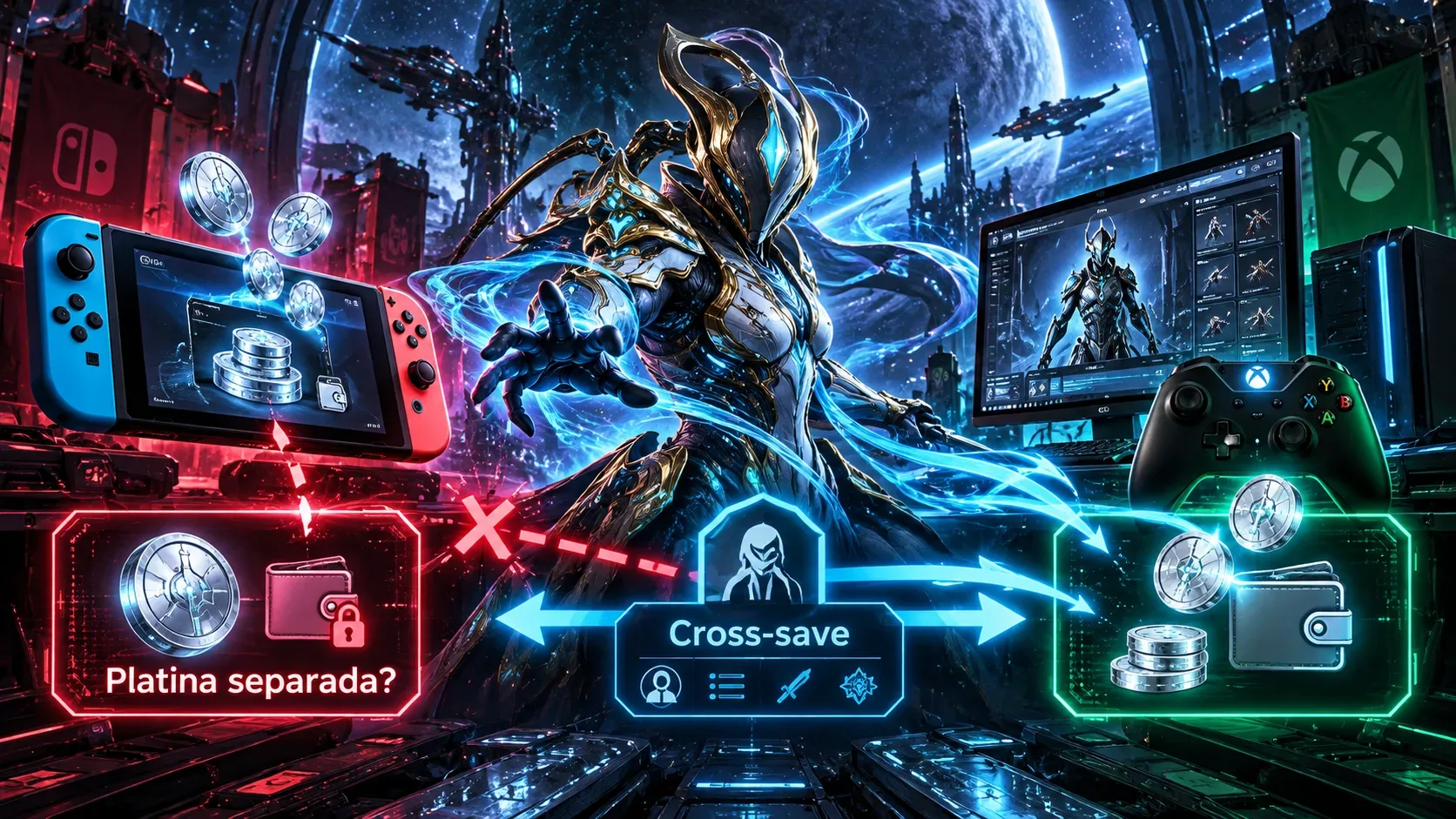
Platinum purchased on Nintendo Switch does not join the balance shown on PC or Xbox because Warframe applies a platform-specific restriction to Nintendo's wallet. Cross-save lets you continue the same progression on linked devices, but it does not make all premium currency transferable. PC, Xbox and PlayStation share a wallet with each other; Switch remains separate.
On an already linked account, Switch-purchased Platinum does not disappear simply because you sign in on PC: return to Switch to spend it. That differs from linking two older accounts, when your choice of Primary Account and the rules for secondary-account purchases can affect what is retained. Items bought with an available Switch balance may appear on other versions, subject to licensing restrictions.
Cross-play, cross-save and Platinum are different things
Cross-play means joining missions with players on other platforms. Cross-save lets you use the progression of a linked primary account on different devices: quests, Focus, Syndicate ranks, unlocks and compatible items.
The Platinum wallet follows its own rule. According to Digital Extremes, Platinum and Regal Aya acquired on Switch are not accessible on other systems. Platinum and Regal Aya purchased on PC, Xbox and PlayStation form a shared wallet across those three platforms, not one that also includes Switch.
Table: what changes between Switch, PC and Xbox
| Platform used | Linked-account progression | Where Platinum bought on that platform can be spent | Does Switch-bought Platinum appear elsewhere? |
|---|---|---|---|
| Nintendo Switch | Shared | On Switch | No |
| PC | Shared | PC, Xbox and PlayStation | No |
| Xbox | Shared | PC, Xbox and PlayStation | No |
| PlayStation | Shared | PC, Xbox and PlayStation | No |
The table describes purchased Platinum on each platform. Being able to spend a balance is not the same as being allowed to trade that currency with another player.
How to use Platinum purchased on Switch
Sign in to Warframe on Nintendo Switch to view and spend the balance associated with it. If you want to use a customization or item on another platform, purchase it on Switch and then access your linked account on PC or Xbox. The official rule is that items and customizations purchased this way are available on other platforms when compatible.
Item portability is not universal. Platform-exclusive content and TennoGen items have separate restrictions. Under the current model described by Digital Extremes, TennoGen purchased with real money through Steam is available on PC, while TennoGen purchases on non-PC platforms are available only on licensed non-PC systems. Check the license rather than assuming every skin or bundle transfers.
The reverse direction has a limit too: owning Platinum bought on PC or Xbox does not mean you can spend it when playing on Switch. Check your balance and the purchase platform before making a transaction.
Trading: items can cross platforms, but Switch Platinum cannot move to PC
Trading eligible items between players on different platforms is allowed with Cross Platform Play enabled and the relevant account requirements met. Digital Extremes requires TennoGuard two-factor authentication for PC and Cross Platform Save accounts to trade.
The key exception is currency: Platinum cannot be traded between Nintendo Switch and other platforms, even with cross-save enabled. Trading an item with another Tenno therefore is not a way to send your Switch Platinum to PC. Personal Platinum, such as Platinum granted for free, also cannot be used for player trades or gifts.
Turning on cross-play lets people play together and enables eligible trades; it does not remove the wallet separation. Before agreeing to a trade, check which device each player is using and whether the proposed payment involves Platinum.
How to link accounts without confusing linking and merging
According to the official guide, you need to have or create a PC Warframe account as the foundation for linking, even if you never play on a computer. In account management on the website, carefully choose which profile will be the Primary Account, then link other platforms one at a time.
The choice is permanent: Primary Account progression replaces the progression of linked secondary accounts. If the progress you care about is on Switch, make sure you select the correct profile before confirming. Linking does not automatically add up every inventory or Platinum balance.
Since June 19, 2024, certain real-money purchases on secondary accounts can also be retained under criteria listed in the guide. Prime Access, Heirloom and other benefits have exceptions for Platinum, Credits or boosters. An eligible purchased item does not override Switch's separate-currency rule.
What ended on January 17, 2025?
Digital Extremes permanently ended Account Merging on January 17, 2025. The older, time-limited merging option allowed certain eligible accounts to combine parts of their inventories. Guides written before the change may still describe merging as available.
Cross Platform Save did not end: Account Linking remains available. This matters to players with older Switch, PC and Xbox profiles, because merging can no longer be used to combine progression or attempt to bypass the separate wallet.
Checklist before buying, linking or trading
- Confirm you are signing into the same linked account and which profile was chosen as primary.
- If Platinum was purchased on Switch, play on Switch to spend it; do not expect that balance to appear on PC or Xbox.
- Before purchasing cosmetics, check for platform exclusivity or TennoGen licensing limits.
- For cross-platform item trades, check cross-play settings, TennoGuard authentication when required, and the ban on Platinum trades between Switch and other platforms.