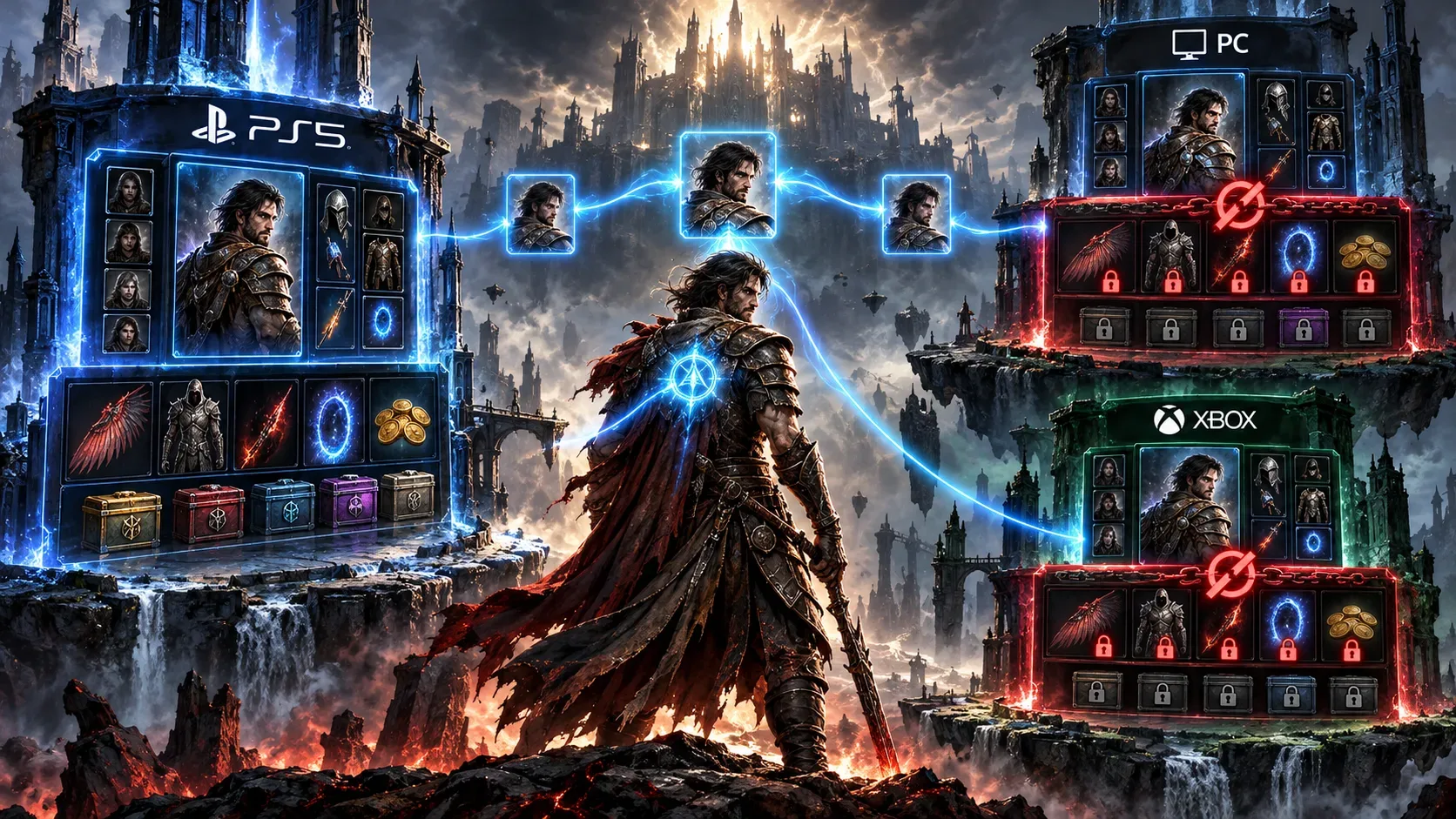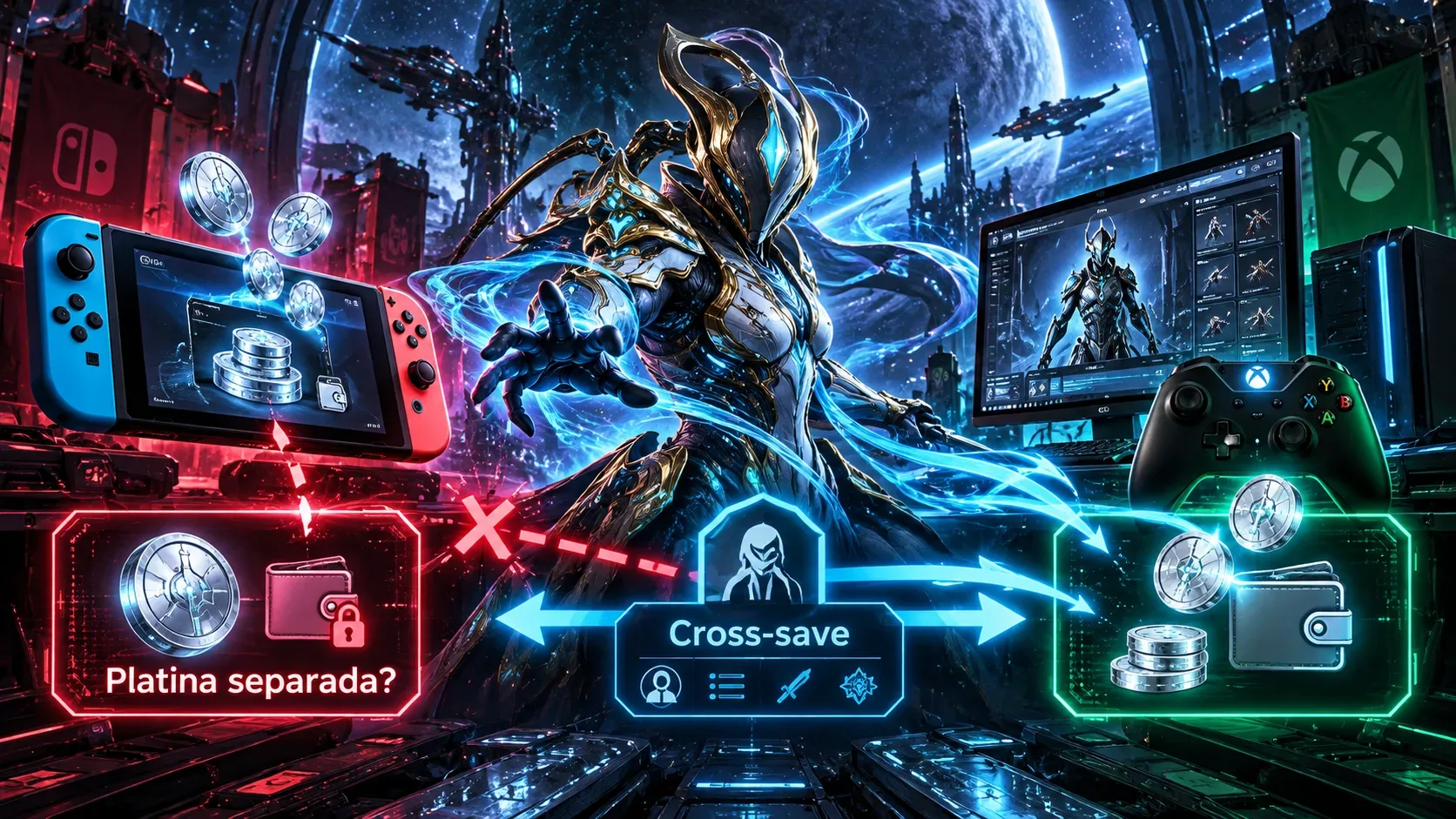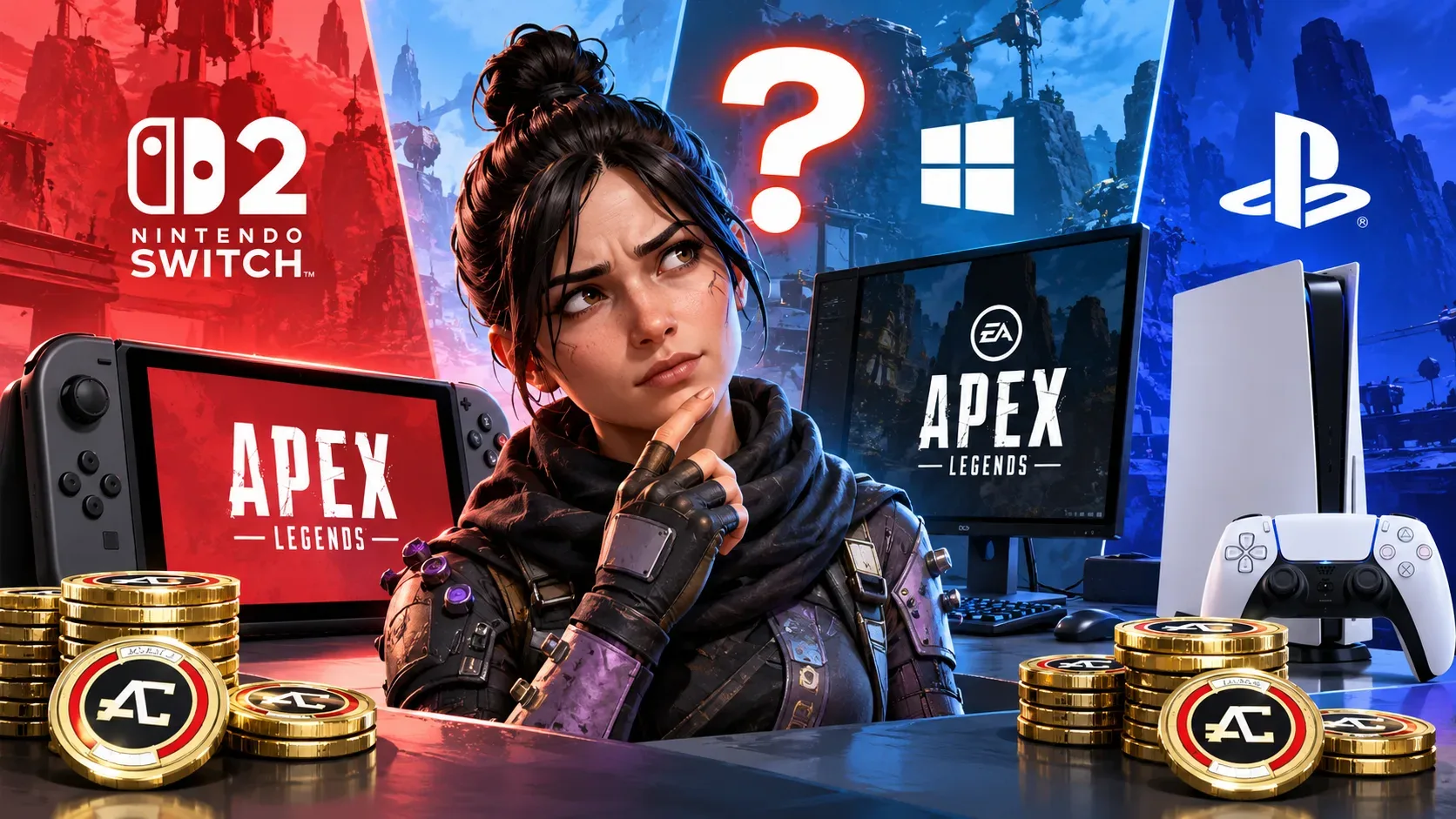
Apex Coins purchased on Nintendo Switch 2 do not appear on PC or PlayStation because Apex Legends keeps a separate coin wallet for Nintendo's console. PC, PlayStation, and Xbox share another wallet. Cross Progression still works for your account, progress, and eligible cosmetics, but it does not combine those two balances into one.
EA makes this distinction explicit in its support guidance: unlocked content is one thing, while unspent premium currency is another. As a result, seeing a cosmetic on PlayStation that you obtained on Switch 2 while not seeing your remaining Apex Coins there can be expected behavior rather than a synchronization failure.
Two wallets: where each purchase appears
EA describes two wallets regardless of how many devices are linked to the same EA Account: a Nintendo Switch 2 wallet and a shared wallet for PC, PlayStation, and Xbox. The table separates coin balances from access to already unlocked content.
| What you have | On Switch 2 | On PC, PlayStation, or Xbox |
|---|---|---|
| Apex Coins purchased on Switch 2 | Balance is visible and spendable | Balance does not appear and cannot be spent |
| Apex Coins purchased on PC, PlayStation, or Xbox | Balance does not appear and cannot be spent | Balance is in the shared wallet for these platforms |
| Coins left over from the original Switch | Can be used on Switch 2, subject to local rules | Do not move to this wallet |
| Unlocked, non-exclusive Legends, skins, and cosmetics | Generally available with the same EA Account | Generally available with the same EA Account |
| Platform-exclusive content | Only where the platform permits it | Only on the platform to which it belongs |
For example, someone who buys Apex Coins on Switch 2 and then starts the game on PlayStation will not see those coins in the PlayStation balance. If they spend the coins on a standard skin, that unlocked item can also appear on PlayStation through Cross Progression, provided the accounts are linked correctly and the item is not platform-exclusive.
Why can cosmetics travel when coins cannot?
Cross Progression brings account data and, with exceptions, unlocked content together: Legends, skins, and other compatible cosmetics. Unspent Apex Coins, however, follow the wallet rules of the platform on which they were acquired. EA documents this distinction both in its missing-content support article and in its official explanation of the introduction of shared progression.
There are exceptions for platform-linked items, including certain console-service exclusives and the Pathfinder skin given out when the original Switch version launched. Some older stat-linked items may also have failed to carry across during the historical account-profile merge. It would therefore be misleading to promise that every cosmetic will appear on every device.
What happened to original Nintendo Switch balances after support ended?
On August 4, 2026, with Season 30, Apex Legends stopped working on the original Nintendo Switch. This did not end support on Nintendo Switch 2: EA said subsequent seasons would remain available on the newer console.
According to EA and Respawn, progress, purchases, and earnings linked to an EA Account, including cosmetics and remaining Apex Coins from the original Switch, remain accessible on Switch 2. That former Nintendo balance was not converted into coins in the PC, PlayStation, and Xbox wallet.
To resume playing on Switch 2, EA describes two routes: perform a system transfer from the Nintendo console's settings, or sign in on Switch 2 with the same Nintendo account, download Apex Legends, and use the same EA Account as before. The second option matters to players who did not transfer their entire console.
An important regional caveat applies: EA says coins purchased in Japan are subject to a 180-day expiration period across all platforms. That rule should not be assumed to apply to purchases made in Brazil or confused with the original Switch shutdown.
Quick troubleshooting: what to do for each problem
- Coins bought on Switch 2 are missing on PC or PlayStation? Check where they were purchased. If they belong to the Nintendo wallet, their absence elsewhere is the documented rule; relinking accounts will not move the balance.
- Coins bought on PC or PlayStation do not appear on Switch 2? Check the balance on PC, PlayStation, or Xbox. Those platforms' shared wallet is not shown on Switch 2.
- You moved from the original Switch and cannot see the balance on Switch 2? Make sure you are using the Nintendo account and EA Account associated with your previous progress. EA says remaining original Switch coins should carry over to Switch 2, subject to local restrictions.
- Skins, Legends, or rewards are missing rather than coins? Confirm the linked EA Account, look for the item in the proper in-game section, and check whether it is a platform exclusive. Non-exclusive content and coins follow different rules.
- A purchase is missing even from the correct wallet? Restart the game and console, check service status, confirm the transaction, and keep proof of purchase. For certain coin issues after playing on Steam or redeeming a code, EA recommends opening Apex Legends through the EA app. If the content is still absent after 24 hours, contact EA Support with the purchase details.
Check your EA Account before unlinking a platform
Cross Progression depends on platform accounts being linked to the correct EA Account. Apex Legends progress belongs to that account and cannot simply be transferred to another. EA warns that unlinking a platform can interrupt access to progress, rewards, and purchases; linking the device to a different EA Account does not merge their histories.
The practical distinction is the type of content: Apex Coin balances follow one of two wallets; eligible cosmetics and progress follow the EA Account; platform exclusives remain subject to platform restrictions. Checking those categories first helps avoid mistaking intentional wallet separation for lost purchases.