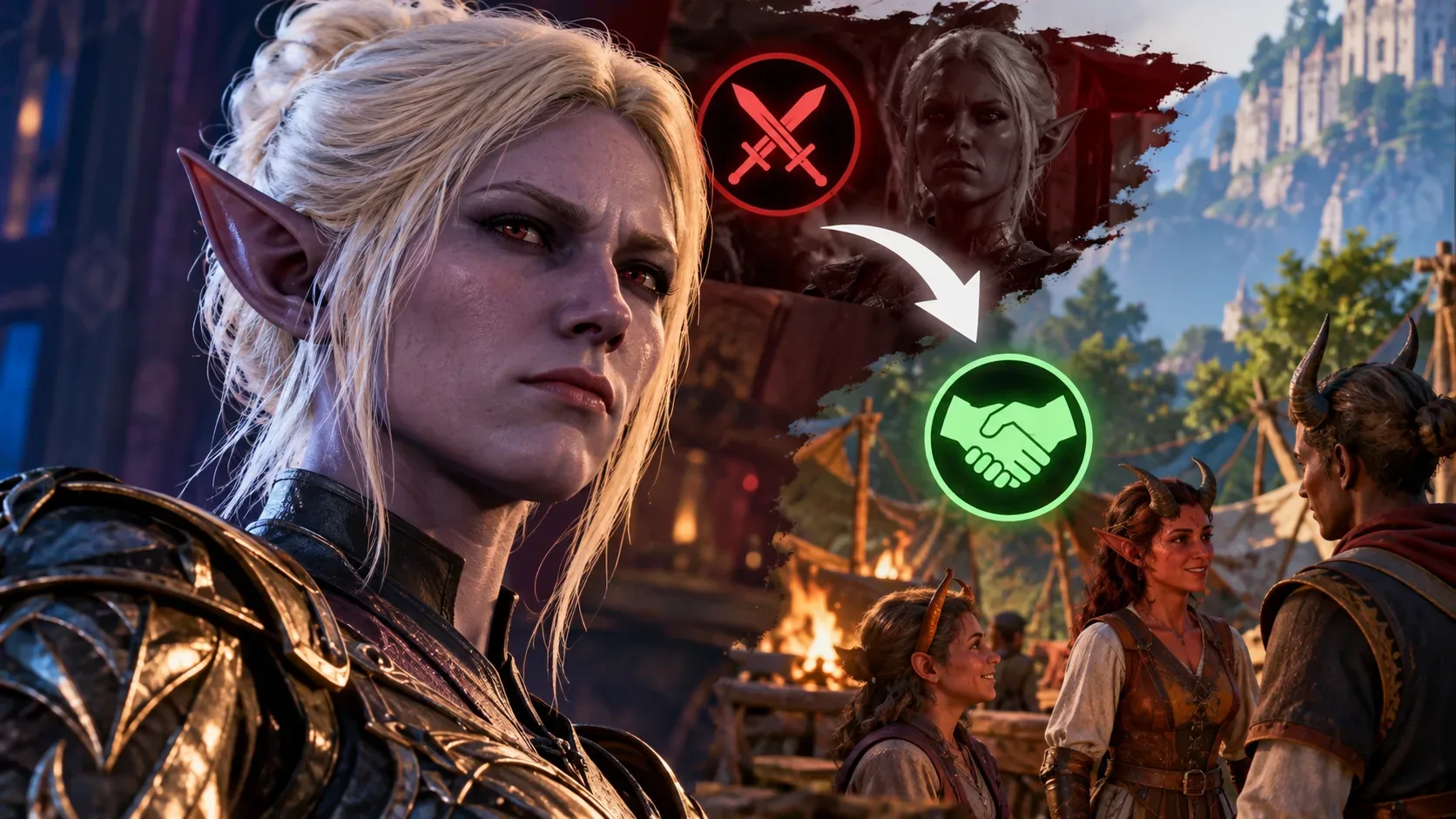
Baldur’s Gate 3 cross-play between PC and PS5 can work with mods, but joining fails when the players cannot match the required setup. Everyone needs the same enabled mods at the same mod versions. Console groups also need mods that are available on the platforms involved and must respect the console limit of 100 mods. Patch 8 introduced cross-play across PC, Mac, Xbox and PlayStation 5 on April 15, 2025; it did not make every PC mod available on consoles.
That is why two people may each launch the game successfully yet be unable to join the same campaign. A missing mod, an extra enabled mod, a mismatched version, a mod unavailable on console or the cross-play settings themselves may be responsible. The mod verification message is the most useful place to begin.
What does each mod verification message mean?
| Message | What it means | What to do |
|---|---|---|
| Download | The host or save uses a mod that is missing from this device. | Download it through the window if your platform offers it. |
| Enable | The mod is installed here but is not enabled. | Enable the version required by the session. |
| Update | Your mod version is older than the one required by the host or save. | Update to the requested version. |
| Downgrade | Your mod version is newer than the session requires. | Switch back to the required version if the option is available. |
| New Mods | You have enabled mods that the session does not have enabled. | Review the extras and disable them only in a setup that is safe for the save. |
| Third-Party | The mod is not offered through the in-game mod browser. | Check its origin and compatibility. External PC mods cannot be carried over to consoles. |
Larian calls this the Mod Verification window. It compares what the game or save requires against the joining player's setup. The same mod name with a different version is still a mismatch; simply having a mod installed without enabling it is not enough. The labels above are interface categories described by the developer, not network error codes.
Why does it work on PC but not on PS5 or Xbox?
PC players can run third-party modifications outside the in-game browser that are not approved for console distribution. Larian recommends the Available on Mac and Console tag or filter (the wording may differ between interfaces). It indicates cross-platform availability; inviting a PS5 player does not make a PC-only mod installable on that console. If a Mac player is involved, check Mac availability as well.
Consoles also have a 100-mod limit. A PC campaign with more than 100 enabled mods should therefore not be considered suitable for PS5 or Xbox cross-play just because it runs on the host's machine. Larian introduced the limit for stability, and it also matters when planning saves used across PC and consoles.
One other distinction prevents a false diagnosis: the game build and the version of each mod are separate checks. All players should install updates available for their platform, but PC and PS5 build numbers do not have to look identical. For example, the official Hotfix 35 notes listed different build identifiers for those platforms.
How to troubleshoot without risking your campaign
- Protect the original save. Back it up using the options available on your platform and record the enabled mods and their versions. Do not remove save-critical files from the only copy of a campaign you intend to continue.
- Check game updates on every system. Install available patches and hotfixes on PC, Mac, PS5 and Xbox as applicable to your party. If everyone is updated and joining still fails, inspect the mods rather than assuming a server problem.
- Link accounts and turn on cross-play. Each player should link their platform account with a Larian account, enable Allow Cross-Play under Options > Gameplay and add friends through the Larian Network.
- Review the host's mod selection. Compare mods that are actually enabled, not merely downloaded. For a console lobby, stay within 100 mods and use only mods available to every platform in the group, checking the compatibility filter in the mod browser.
- Join through the correct menu. Open Multiplayer > Cross-Play and select the lobby or create one. If mod verification appears, follow its download, enable, update or downgrade instructions for the versions the session expects. Check any extras under New Mods as well.
- Enable cross-play on an existing campaign save. Under Load Game, select the campaign, enable cross-play for that save, load it and invite your friends through Multiplayer. Turning on the general game setting alone does not replace this step for older campaigns.
- Test the issue in a separate session. If joining still fails, create a fresh unmodded lobby without changing your main save. Larian recommends this test to help distinguish a mod problem from a broader connection problem; it does not guarantee that disabling mods will fix the original campaign.
What if an existing save needs a particular mod?
There is no switch that makes a third-party PC mod compatible with PS5. If the campaign depends on something unavailable on console, the safer choices are to keep playing that campaign on a compatible platform, wait for an officially available version that everyone can use, or start a different campaign designed around cross-platform mods. Removing a dependency from an established save can stop it loading or cause problems later.
Larian raised this concern when it addressed console saves that had previously exceeded 100 mods. A fix let players attempt to load those saves after reducing the active mod count, but it did not guarantee stability. The studio listed dice skins, facial cosmetics and some item mods as potentially lower-impact removal candidates while warning that even these changes could cause issues. Cosmetic-looking mods are therefore not automatically safe to delete from a valuable save.
If even an unmodded lobby will not connect
Recheck the basics: cross-play enabled for everyone, linked Larian accounts, friends added, the correct lobby and current game updates. Larian addressed interface and invitation bugs in hotfixes after Patch 8, including a case that allowed invites from a session without cross-play enabled. If the unmodded test fails too, consult the multiplayer FAQ or contact support with the platform, installed update, exact message and test result. That is more reliable than blaming every connection failure on mods.