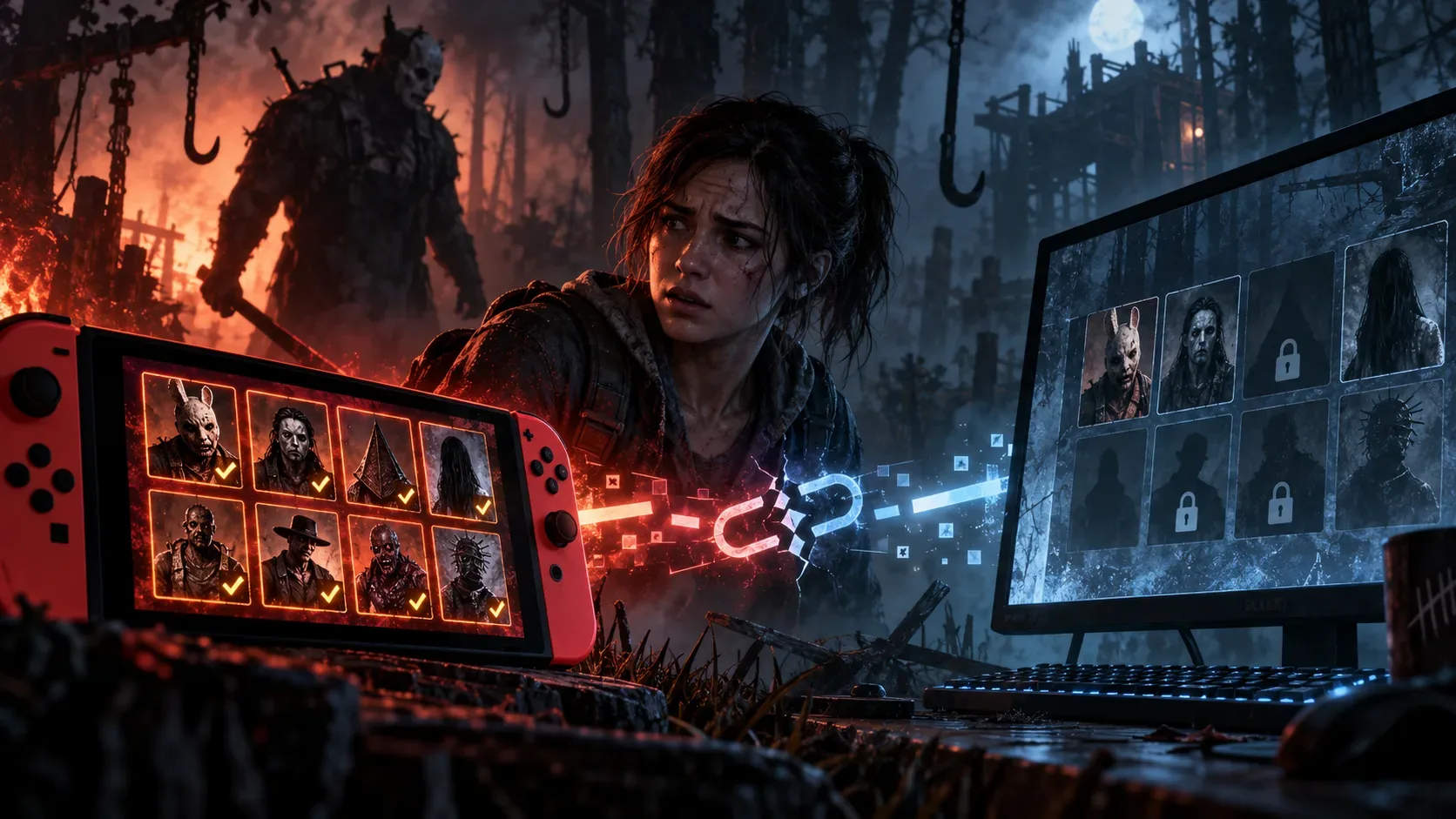
A DLC bought through the Nintendo eShop on Switch does not appear on PC because Dead by Daylight cross-progression has a specific restriction on those purchases. Behaviour allows DLC ownership to be shared from other platforms to Switch, but not from Switch to other platforms. That does not mean every character or bit of progress is stuck on the console: in-game store purchases, character levels and perks follow different rules.
The critical distinction is where the content was acquired. A pack purchased through the eShop is handled differently from a character unlocked in Dead by Daylight's own in-game store. Linking a Behaviour Account does not automatically turn an external storefront license into a valid PC entitlement.
Table: what transfers from Switch to PC?
| Content or purchase source | Switch to PC | What to check |
|---|---|---|
| DLC bought through Nintendo eShop | No | External-store DLC does not unlock on PC simply because the accounts are synced. |
| DLC bought on another platform and shared to Switch | Generally yes | DLC sharing is one-way in this case; platform-exclusive exceptions can still apply. |
| Character or outfit bought in the in-game store | Generally yes | The official FAQ distinguishes these purchases from eShop DLC packs. |
| Character levels, items, offerings and progress | Yes | Sync uses the applicable highest progress value; owning the character is separate. |
| Prestige and unique perks for a character still locked on PC | Yes, with a condition | Progress waits until the character is unlocked; prestige-unlocked unique perks may already be available. |
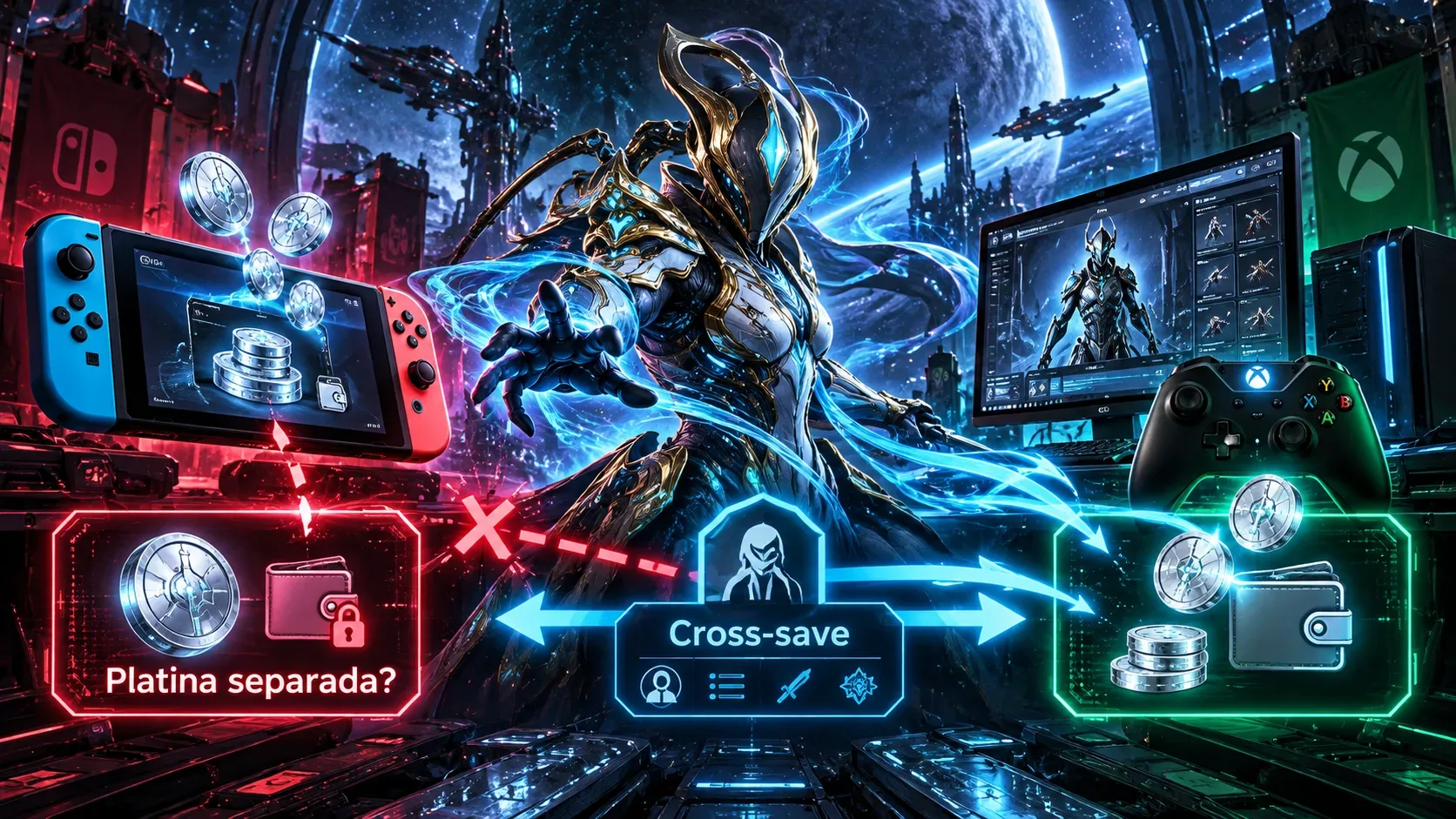
| Auric Cells held on Switch | No | The balance stays on Switch and is excluded from the shared wallet. |
| Bloodpoints, Iridescent Shards and Rift Fragments | Yes | These currencies and fragments are pooled across platforms. |
| Platform-exclusive cosmetic | No | Exclusive items are an exception to normal cosmetic sharing. |
eShop versus in-game store: why can the same character have two outcomes?
Suppose a chapter was purchased as DLC from Nintendo eShop. Its characters may remain locked on PC even after the accounts have been synced correctly, because of the original purchase source. Now consider a character unlocked directly from the Dead by Daylight in-game store on Switch: Behaviour states that characters and outfits obtained this way are shared to other platforms, subject to platform-exclusive exceptions.
This also prevents a second misunderstanding: sharing a character purchased from the in-game store does not mean sharing the Auric Cells balance used to buy it. Auric Cells held on Switch remain there. The shared wallet on other participating platforms does not absorb that balance.
What if a character has prestige on Switch but remains locked on PC?
Behaviour separates character progress from character ownership. If a character is not unlocked on PC, their synced progress will be waiting when they are unlocked there. If that character has been prestiged, the unique perks earned from prestige can be available to other characters immediately, even while the original character remains locked. Seeing those perks is therefore not evidence that the DLC purchase transferred.
For character levels, items and offerings, the company says the highest value across synced accounts is retained. That progression rule does not override the licensing exception for eShop purchases and should not be read as access to every paid item.
A practical check before trying to sync again
- Identify the purchase source. Check your Nintendo eShop receipt or confirm whether you unlocked the character directly in the Dead by Daylight store. This is the main decision point.
- Check your Behaviour Account. Sign in to the official account portal and verify that the correct Switch and PC accounts are linked and synced. Only one account per platform can be connected.
- Update and launch the game on Switch. Behaviour requires the Switch game to be updated and launched before cross-progression setup.
- Identify what is missing. If the only missing content on PC is eShop DLC, that matches the published restriction. For a missing in-game-store purchase, check the sync and possible exclusivity rules before contacting support.
- Do not assume you can reverse the process. Once synchronization is enabled, platforms cannot be unsynced; Behaviour says player support cannot override that restriction.
To play on PC with a character tied to a Switch eShop DLC purchase, you will need another eligible way to unlock that character on PC, if the content is available. Repeating the sync does not turn the original Switch purchase into a transferable license.
What cross-progression does not promise
The system syncs account elements, not every license or setting. The FAQ also excludes platform-exclusive items and says settings and achievements are generally not shared. A useful diagnosis must distinguish access to content, character progress and premium-currency balances rather than labeling every missing PC item a sync failure.