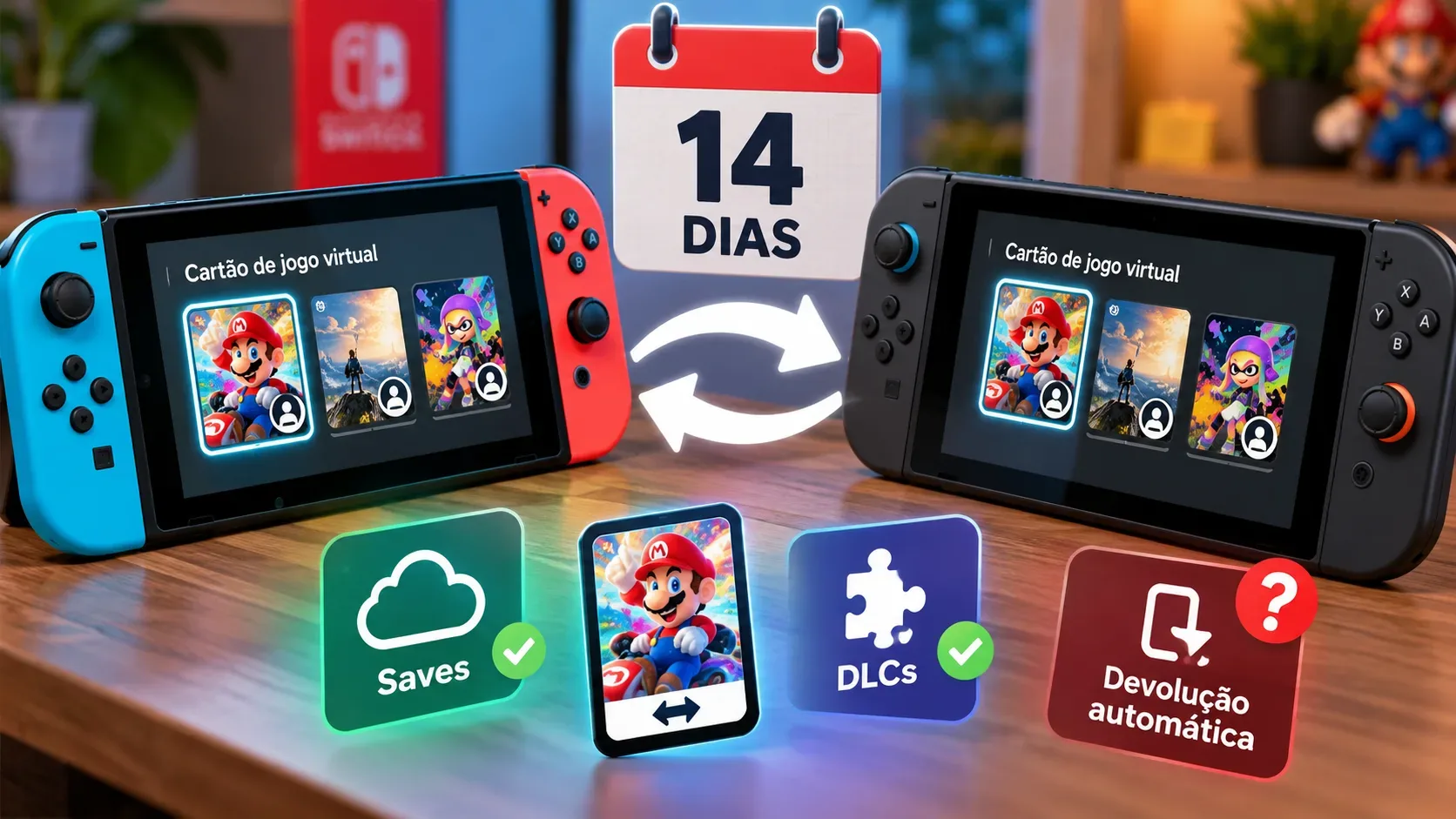
After 14 days, a digital game lent as a virtual game card is automatically returned to the account that lent it. The borrower loses access to that card but does not lose their save data because of the return: progress stays on the console where it was created. If they borrow the game again or buy it themselves, they can pick up where they left off using that save.
The rule applies to the virtual game card system on Nintendo Switch and Nintendo Switch 2, subject to each game’s compatibility. The 14-day limit applies to borrowed access to a game, not to the save file, installed game data, or a Nintendo Switch Online subscription.
What comes back, and what stays after 14 days?
Nintendo treats a virtual game card much like a physical cartridge that temporarily changes hands. The owner cannot use the same card while it is lent out. Automatic return makes the card available to its owner and for future loans, but it does not transfer save files between users.
| Situation | Access after the deadline | Progress and content |
|---|---|---|
| A borrowed game reaches day 14 | The card returns to its owner; the borrower loses access. | The borrower’s save remains on the console they played on. |
| The same game is lent again | A new loan allows the borrower to play again. | They resume their existing save on the same user profile and console. |
| The borrower buys their own copy | They use access provided by their own purchase. | They can continue with the save already stored on that console. |
| The owner has lent out the game | They cannot use that card during the loan and regain access after its return. | The owner’s saves stay on their own console. |
| Digital game with DLC purchased by the owner | The DLC accompanies the borrowed card; access to it ends upon return. | DLC is not save data; progress remains on the borrower’s console. |
| Digital DLC for a physical game | The DLC is managed as its own virtual card and requires the base game. | Access to DLC does not replace a compatible physical cartridge or digital base-game license. |
| A card loaded onto another console on the same account | This is a console switch, not a 14-day family loan. | Moving the card does not automatically move saves. |
How does family lending work?
To lend a game, both users must belong to the same Nintendo Account family group. For the initial transaction, their consoles need to be nearby for local wireless communication, and both must be online. Being on each other’s friends lists is not a substitute for belonging to the family group.
- Update the consoles and open Virtual Game Cards from the HOME Menu.
- On the owner’s console, select an eligible card and choose the option to lend it to a family group member.
- Choose the recipient. On their console, select the matching user profile and accept the loan.
- Once any necessary download is complete, the game can be played for up to 14 days unless returned early.
There are limits: the owner can lend up to three different cards at the same time, but each borrower can receive only one card at a time, and each console can hold only one borrowed card. Nintendo also blocks borrowing on a console with users belonging to different family groups. Some games, including certain subscription-exclusive titles, cannot be lent.
Does DLC come with the loan? It depends on the base game
For digital games, extra content purchased by the owner is managed together with the base game’s virtual card and is included in the loan. This does not turn the DLC into a permanent purchase on the borrower’s account. When the card returns, the borrowed access to the game and its add-on content ends.
For physical games, Nintendo explains that digital DLC is managed as a separate virtual card and requires the base game to work. Lending access to DLC alone is therefore not the same as providing the cartridge or the main game’s license. It is worth checking content availability and the title’s requirements before arranging the loan.
Does save data move from Switch to Switch 2?
Not because of a virtual card. Nintendo states that save data remains on the original console when a card is loaded on another system or lent out. This also means the lender’s and borrower’s saves are not merged. Membership in the same family group does not automatically give one person access to another’s progress.
To move your own progress to another console, you need a separate, compatible method: local save data transfer between nearby consoles, using the same Nintendo Account for the affected users, or Save Data Cloud for supported games with a Nintendo Switch Online membership. A direct transfer moves the data and deletes it from the source console; it is not simply a copy. Game compatibility also matters when moving saves between Switch and Switch 2.
Can games be lent between Nintendo Switch and Switch 2?
Yes, for compatible Nintendo Switch games, including loans between systems from the two generations. A Nintendo Switch 2-exclusive game cannot be lent for play on the original Switch. Nintendo’s FAQ also clarifies that Switch 2 Edition features and enhancements are not available on the original Switch, which runs the Switch-version functionality where applicable. Check the specific edition and title restrictions: compatibility does not mean that every Switch 2-specific component can be loaded on the earlier system.
Do not confuse lending to a family member with loading your own card onto a second console using the same account. In the latter case, a Nintendo Account can pair up to two consoles for virtual cards, with the card usable on only one at a time and no 14-day clock. The separate online license option lets an account access purchases on additional consoles, but an internet check is required to launch the game and it does not permit the same title to run simultaneously on multiple consoles.
Can it be returned early? What if the deadline passes mid-game?
The borrower can return a card before the deadline. The owner can also retrieve it early when the recipient’s console is online and the game is not being played. If that console is offline or the game is running, Nintendo’s guide says to wait or ask the borrower to stop playing and return it. Even without contacting the borrower, the automatic return takes place after 14 days.
If the loan expires while the borrower is playing, Nintendo documents the game being suspended, including error code 2819-0006. To play again, the person must borrow the card again or obtain valid access through their own purchase. Their save remains available for resuming play; the return of a license should not be mistaken for deletion of save data.
How to avoid common mistakes
- Do not assume another 14 days are added automatically: a fresh loan is required after expiry.
- Do not expect saves to travel with the game: transfer or cloud-sync them separately where supported.
- Check the base game, DLC, and edition: Switch 2 content may face restrictions on the original Switch.
- Check the account and family group: sharing a system or being online friends does not bypass lending restrictions.
These rules were checked against official Nintendo documentation available on October 21, 2026. Nintendo may revise them through future system updates.