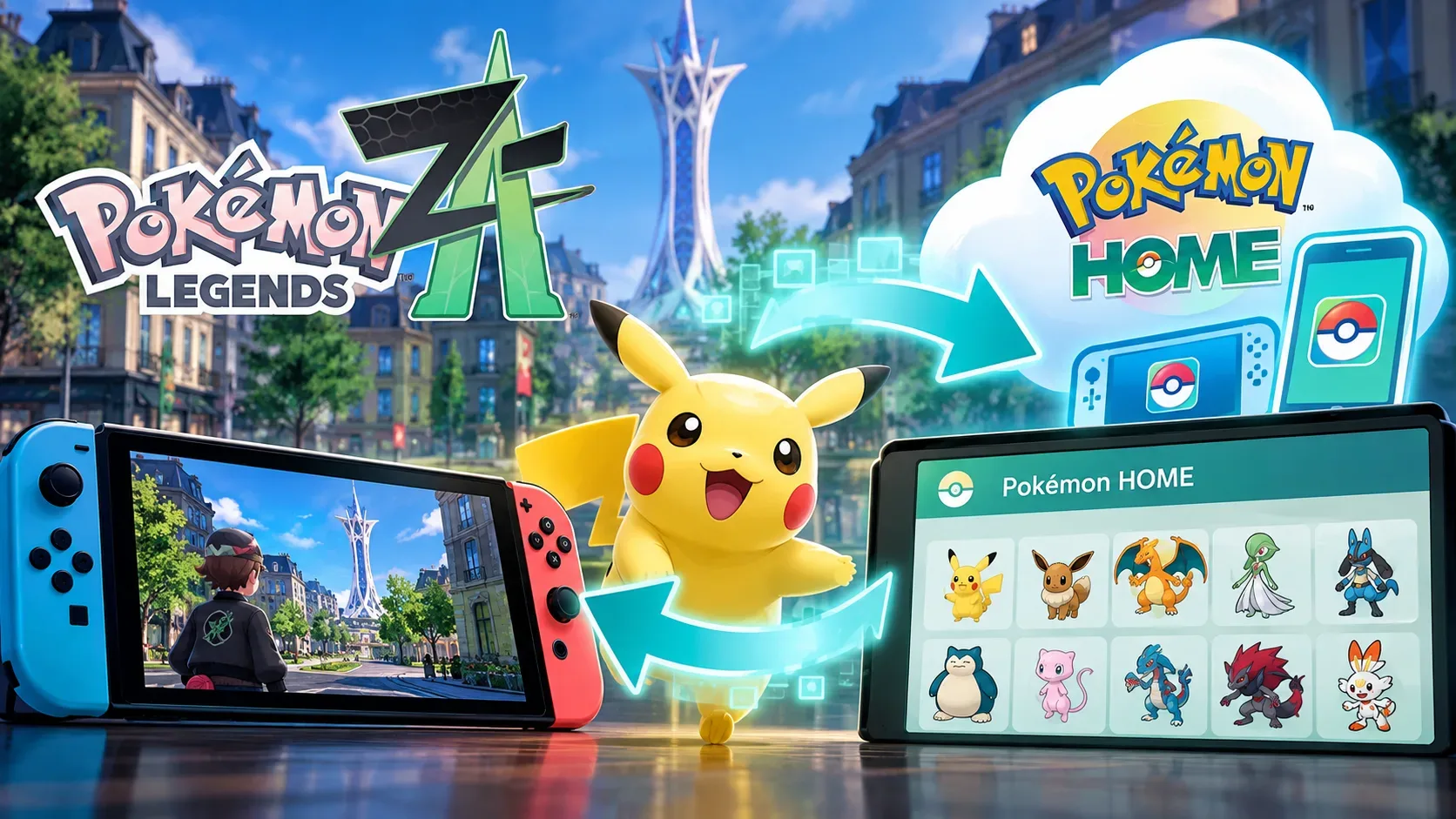
In Pokémon Legends: Z-A, transferring a Pokémon from an earlier game into Z-A through Pokémon HOME closes the route back to earlier main-series titles. This is true even if the Pokémon originally came from Scarlet, Violet, or another supported game and is later deposited in HOME again. Pokémon obtained in Z-A cannot be sent to those earlier games either. The restriction affects future destinations, not ownership: Nintendo allows eligible Pokémon to be deposited from Z-A into HOME and withdrawn back into Z-A.
This integration is already live. According to Nintendo’s support update history for the Americas, Pokémon HOME added Z-A compatibility in version 4.0.0, made available on April 1, 2026. Older announcements describing the connection as upcoming reflect the status at the time of publication, not the service’s current availability.
Transfer decision table: where a Pokémon came from and where it can return
The examples below summarize the published general rules. In every case, the species must be supported by the destination game, and some individual Pokémon may face additional restrictions.
| Origin and transfer route | Desired destination or return | Allowed? | What changes |
|---|---|---|---|
| Pokémon obtained in Z-A → HOME | Return to Z-A | Yes, if eligible | Z-A and HOME support depositing and withdrawing Pokémon. |
| Pokémon obtained in Z-A → HOME | Move to Scarlet, Violet, or another earlier title | No | Originating in Z-A prevents a move to earlier main-series titles. |
| Scarlet or Violet → HOME, without entering Z-A | Return to Scarlet or Violet | Yes, if eligible | Simply storing it in HOME does not trigger the Z-A restriction. |
| Scarlet or Violet → HOME → Z-A → HOME | Return to Scarlet or Violet | No | After entering Z-A, it cannot return to earlier main-series games. |
| Sword, Shield, Legends: Arceus, Brilliant Diamond, or Shining Pearl → HOME → Z-A | Return to the earlier game | No | The same restriction applies once the Pokémon enters Z-A. |
| Pokémon GO or Pokémon Bank → HOME; possible later entry into Z-A | Return to GO or Bank | No | Moving from GO or Bank to HOME is already one-way, independently of Z-A. |
Storing a Pokémon in HOME is not the same as taking it into Z-A
Pokémon HOME keeps track of a Pokémon’s origin and the games it has visited. Nintendo’s FAQ says that its possible destinations depend on where it came from and where it has been. The restriction specific to Z-A is triggered by bringing the Pokémon into that game, not simply by leaving it in a HOME Box.
Consider an eligible Pokémon originally obtained in Violet. It can move into HOME and remain eligible to return to Violet as long as it has not entered Z-A, subject to the other transfer requirements. Once it actually enters Z-A, moving it back to HOME does not restore the option to send it to Violet. The published rules do not provide a way to reverse that history.
Seeing a species in both games is not sufficient proof that a transfer will work. The species must appear in the destination title, and additional restrictions may apply to the individual Pokémon. HOME provides a game-by-game list of where each Pokémon can travel.
How to check a transfer on Switch or Switch 2
Use the console app to move Pokémon directly between Z-A and HOME. The mobile HOME app cannot directly connect to Z-A save data, although the two HOME versions share Boxes through the same Nintendo Account and mobile supports other features, including Mystery Gifts.
- Update Pokémon HOME on Nintendo Switch or Nintendo Switch 2, then sign in with your Nintendo Account.
- Launch HOME, press A, and select Pokémon on the main menu.
- Choose the game and the correct save-data user. HOME can access other users’ save data on the console, so verify whose file you are opening.
- Move any Pokémon you want to transfer out of your in-game party first. Pokémon currently in the party cannot be moved using this procedure.
- Select a Pokémon, open Check Summary, and press + to view the compatible-games list. Only then choose the source and destination Boxes.
- When finished, press + and select Save changes and exit. Double-check your choice, especially if the destination is Z-A.
The free Pokémon HOME Basic Plan allows transfers between compatible games. You do not need a paid Premium Plan or a Nintendo Switch Online membership for this operation. Storage limits and additional features differ by plan, however, which matters if you intend to keep a large collection.
GO, Bank, and Champions follow different rules
A transfer from Pokémon GO into HOME cannot be reversed back to GO. The same applies to Pokémon Bank: after a Pokémon is moved to HOME, it cannot return to Bank or Nintendo 3DS Pokémon games. These one-way restrictions already apply before any visit to Z-A; sending an eligible Pokémon onward to Z-A does not undo them.
Pokémon Champions uses a separate mechanism. Certain Pokémon can leave HOME to visit Champions and later return to HOME. Such a temporary visit does not grant permission to send a Z-A Pokémon to Scarlet, Violet, or other earlier games. Treat these as different destinations when planning transfers.
What to check before saving
- Want to keep using a Pokémon in an earlier game such as Scarlet or Violet? Do not send it into Z-A.
- Only want to store it in HOME? Depositing it there is different from placing it in a Z-A save file.
- Before confirming, inspect each Pokémon’s compatible-games list and remember that species compatibility does not override transfer-history rules.
Rules and procedures checked on October 21, 2026. Online features and compatibility lists can change with updates.