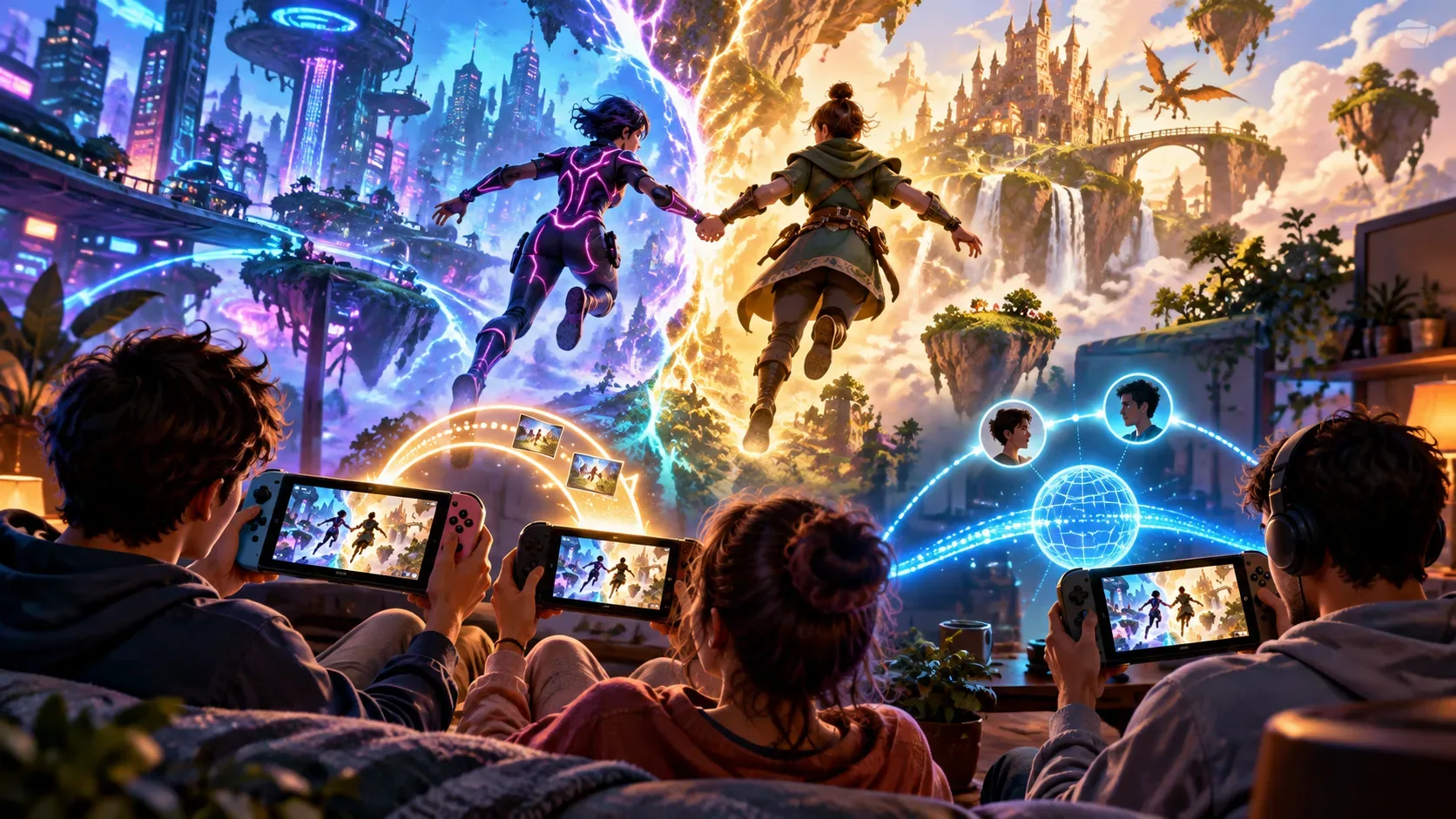
You can play Split Fiction with an original Nintendo Switch, but only as a guest in a local GameShare session started by a Nintendo Switch 2. The Switch 2 must own the full game and be close to the other system. The original Switch receives a streamed session; it does not gain the ability to run the game on its own. Friend's Pass is a different solution: it lets you play online with someone who owns the game, provided each player uses a supported platform.
Understanding the difference can prevent the wrong purchase. Split Fiction, Hazelight's cooperative adventure starring Mio and Zoe and published by EA, arrived on Nintendo Switch 2 on June 5, 2025. The original Nintendo Switch is not listed as a platform with its own edition of the game; its participation was confirmed specifically through local wireless GameShare.
What does GameShare do on the original Switch?
With GameShare, the Nintendo Switch 2 acts as the host: it starts a session for a supported game it owns and shares the experience with a nearby system. For Split Fiction, EA confirmed that the guest may use either another Switch 2 or an original Nintendo Switch. A session involving the Switch 2 and the original Switch uses local wireless communication; it is not internet cross-play.
Nintendo explains that GameShare uses streaming technology: the game is sent to the guest system without transferring an installable copy. As a result, the original Switch receives no game license, does not get a native version of Split Fiction, and cannot continue the adventure without the hosting Switch 2. Under Nintendo's general GameShare rules, the host system keeps the game's save data; the streamed picture may be lower in quality than running the game directly.
How to play Split Fiction with a Switch 2 and original Switch
- Prepare the Switch 2 with Split Fiction: the host must own the full Nintendo Switch 2 version of the game. Keep both systems nearby and their system software up to date; Nintendo requires current updates for GameShare.
- Start a local session on Switch 2: open Split Fiction and look for the cooperative GameShare or local sharing option. The exact way to start an invitation can vary by game and version; do not confuse it with an online Friend's Pass invitation.
- Join on the original Switch: from the HOME menu, select GameShare, then Join GameShare and Local User (menu wording may differ by system language). Choose the host, and when the nearby session appears, select it to join.
- Start playing: after the guest has joined, the host starts the session. The original Switch participates while it receives the local stream from the Switch 2.
These guest-side steps follow Nintendo's official support instructions. Because each game determines the host controls, the names and positions of the menus within Split Fiction may change with updates. If the session does not appear, check system updates and the distance between the consoles before looking for cross-play settings.
GameShare or Friend's Pass: which setup works?
| Setup | Connection | Who needs the full game? | Can the original Switch join? |
|---|---|---|---|
| Switch 2 + original Switch, one console per player | Local wireless GameShare | The Switch 2 player | Yes, as a guest |
| Two nearby Switch 2 systems, separate consoles | Local wireless GameShare | The session host | Not needed |
| Two players using controllers on one Switch 2 | Local co-op on the same console | One copy on the Switch 2 | Not needed |
| Switch 2 + PC, PS5, Xbox Series X|S or another Switch 2, in different locations | Online Friend's Pass with cross-play | One of the two players, for the full campaign | No |
| Original Switch alone, or trying to install Friend's Pass on an original Switch | Unsupported | Buying a copy does not remove this limitation | No |
This comparison concerns the full cooperative campaign. Friend's Pass also includes a free introductory demo, even for two people who have not purchased the game, but the demo does not add native support for the original Switch.
How does Friend's Pass work instead?
Friend's Pass is a free application available on the platforms that run Split Fiction: Nintendo Switch 2, PC, PlayStation 5 and Xbox Series X|S. The owner launches the full game; the other player installs Friend's Pass on their platform, accepts an in-game invitation and joins the online session. One purchase unlocks the full campaign for both players, including across different supported platforms through cross-play.
The requirements differ from local GameShare: Friend's Pass needs a persistent internet connection, the relevant platform accounts and linked EA Accounts. For cross-play, players can find and invite each other using the in-game EA Friends List. Console online features may also require their respective platform subscriptions and follow platform-specific rules; for Switch 2, EA states that Nintendo Switch Online is required for applicable online features. The game owner may invite different friends, one at a time; Friend's Pass is not a single-use invitation code.
Do not mix up the names: Nintendo also supports online GameShare via GameChat between Switch 2 systems in compatible games. That does not allow the original Switch to join over the internet. For the specific Switch 2 + original Switch pairing in Split Fiction, EA documents local GameShare; for players in different locations using supported platforms, EA describes Friend's Pass as the online option.
Questions that determine your choice
Do both players need to buy Split Fiction?
No. With local GameShare, one copy on the host Switch 2 is enough. With online Friend's Pass, one person buys the game while the other installs the free pass to play through the campaign together.
Can two original Nintendo Switch systems play Split Fiction on their own?
No. Neither can host GameShare, and there is no version of Split Fiction or Friend's Pass for the original Nintendo Switch. At least one Switch 2 must host the local session for an original Switch to participate.
Is progress saved on the guest's original Switch?
Not under the general GameShare system: Nintendo says game save data remains with the host. With Friend's Pass, EA says a guest's progress can carry over if they later purchase the full game.
Must both systems be in the same house for the original Switch to work?
The systems need to be close enough for local wireless communication. If the players are in different places, the original Switch cannot join using this method. For long-distance co-op, choose platforms that run the game and use Friend's Pass.
The practical rule is Switch 2 with the game + nearby original Switch = local GameShare. Two game-compatible systems in different places = online Friend's Pass. Having an original Switch does not make the second arrangement possible.
Sources and references
- EA: Nintendo Switch 2 features in Split Fiction, including GameShare and Friend's Pass
- EA: Split Fiction launches on Switch 2 on June 5, 2025
- EA: Friend's Pass instructions and frequently asked questions
- Nintendo: GameShare overview and frequently asked questions
- Nintendo: instructions for joining a GameShare session
- Nintendo: Nintendo Switch 2 compatibility FAQ