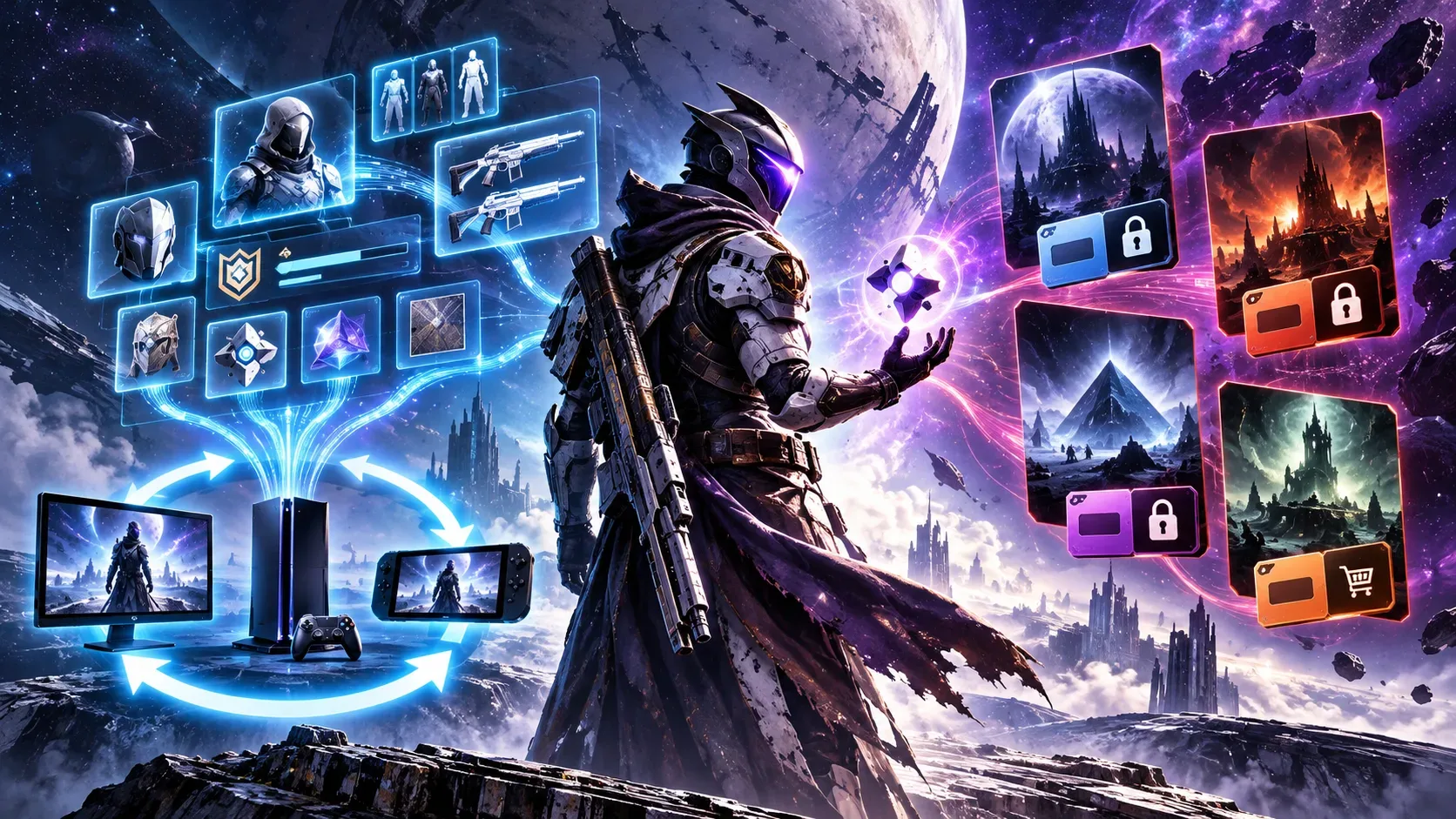
In Destiny 2, Cross Save lets you access the same active characters, gear and progress across linked platforms, but it does not automatically transfer expansion licenses. Season Passes, Rewards Passes and Dungeon Keys follow different rules and can carry over with the active account. Switching platforms therefore does not mean buying everything again.
The important distinction is between data attached to your game account and permission to open particular content through a platform store. Bungie also distinguishes Cross Save from Cross Play: the former lets you access your characters elsewhere, while the latter lets you play with people on other platforms.
What carries over and what requires another purchase
| Content type | Cross Save rule | Buy again on the new platform? |
|---|---|---|
| Characters, gear and progress | The active account's character set is available through linked platform accounts; the other character sets become inactive. | No, not to access the active characters. |
| Expansion and campaign DLC licenses | Licenses remain with the store or platform that granted them. | Yes, if you want that DLC on the destination platform and do not already have access there. |
| Season Passes and Rewards Passes | They follow the active account if assigned to it correctly; Rewards Pass progress travels with the player. | Generally no. Cross Save cannot fix a pass previously assigned to a different character set. |
| Dungeon Keys | They follow the active account between platforms; keys included in bundles may require initial redemption on the purchase platform. | Generally no, once assigned to the correct active account. |
| Unspent Silver | The balance does not freely move between stores; Bungie documents sharing across eligible Microsoft platforms. | It is not a DLC license, but the Silver may need to be spent on the platform where it was purchased. |
| Items already purchased with Silver | Items attached to the active account can be used on other platforms. | No, not merely because you change platforms, subject to content-specific restrictions. |
| DLC-dependent abilities or items | The item may still belong to the account, but access to it can be limited without the corresponding DLC license. | You may need that DLC to restore access to the relevant content. |
This table summarizes Bungie’s published rules, not a list of expansions everyone must rebuy. A campaign may be accessible through an entitlement you already have on the destination platform, or it may be irrelevant to the activities you intend to play. What matters is identifying which license unlocks the content you need.
Why do expansions not follow your characters?
Cross Save designates a character set as the active account and makes it accessible through connected platform accounts. It does not merge the inventories of separate accounts or turn purchases on Steam, Epic Games Store, PlayStation or Xbox into universal licenses. Bungie’s official guide specifically states that DLC licenses, including those for Beyond Light and Shadowkeep, do not transfer through Cross Save.
This remains true when the platform change looks minor. Bungie states that Destiny 2 add-ons do not transfer between Steam, the Epic Games Store and the Microsoft Store on PC. It also states that an expansion bought for Xbox does not automatically carry over to the Microsoft Store PC version, even when the player uses the same Microsoft account. Its documentation notes an exception for sharing Silver balances across eligible Microsoft platforms, not for expansion licenses.
There is another caveat: if a piece of gear or an ability depends on DLC ownership, Bungie warns that it may become unavailable on a platform without that license. Losing access is not, by itself, evidence that Cross Save deleted the item from your character.
Passes and Dungeon Keys follow different rules
Bungie confirms that Season Passes can be shared between platforms when Cross Save is enabled correctly. Its guidance on Rewards Passes also says that both the entitlement and its progression travel with the player. This is not permission to move a pass between two different character sets: it belongs to the account to which it was originally granted.
The first game login matters. Passes included in bundles can be granted when the player logs in on the purchase platform, even before any characters are created there. If another character set is meant to be active, Bungie advises enabling Cross Save before that first login to avoid assigning the benefit to the wrong account. Bungie says that passes granted to the wrong account cannot be moved to another character set.
Dungeon Keys also travel with the active account across platforms, according to Bungie’s add-on guide. However, a key included with a bundle purchased elsewhere may require an initial Destiny 2 login on the purchase platform before it is granted. That is an entitlement-claim step, not a requirement to repurchase the key whenever you change devices. Bungie also stresses that console game-sharing features do not automatically extend Dungeon Keys and passes to other accounts.
What happens to unspent Silver?
Silver should not be confused with a Dungeon Key or an item already purchased. Bungie’s purchase guide states that unspent Silver on the active account can only be used on the platform where it was purchased. Items bought with Silver on that active account, however, can be used on other platforms. Its Microsoft-specific help page documents sharing the Silver balance between Xbox and the eligible Microsoft services listed there.
Checklist before you activate Cross Save
- Sign in to Bungie.net and check which platform accounts are linked. If you have similarly named Steam profiles, verify the correct Steam account identifier.
- Choose the character set you want to keep active. Characters from the other sets will be hidden during Cross Save; they will not be merged into your chosen characters.
- Review purchases on each storefront: expansions, passes, Dungeon Keys and Silver. A bundle that includes several products does not make them all cross-platform licenses.
- If passes or keys came with a bundle, finish setting up Cross Save before launching the game on an account that may grant those benefits. For bundled Dungeon Keys, also follow Bungie’s advice about logging in on the purchase platform to claim them.
- After activation, open the game on your destination platform and verify your characters and entitlements. Only buy an expansion on that store if you need its content and it is actually locked there.
Selecting the wrong active account has consequences: Bungie says disabling Cross Save triggers a 90-day waiting period before it can be enabled again. Recent Silver purchases or additions can also prevent deactivation until 90 days have passed. That makes checking your account links before confirming especially important.
Bundle contents, passes and commercial offerings can change. Before making a purchase, check the edition details in the destination store and the relevant official support pages. Cross Save alone is not evidence that a particular expansion is included or available on that platform.