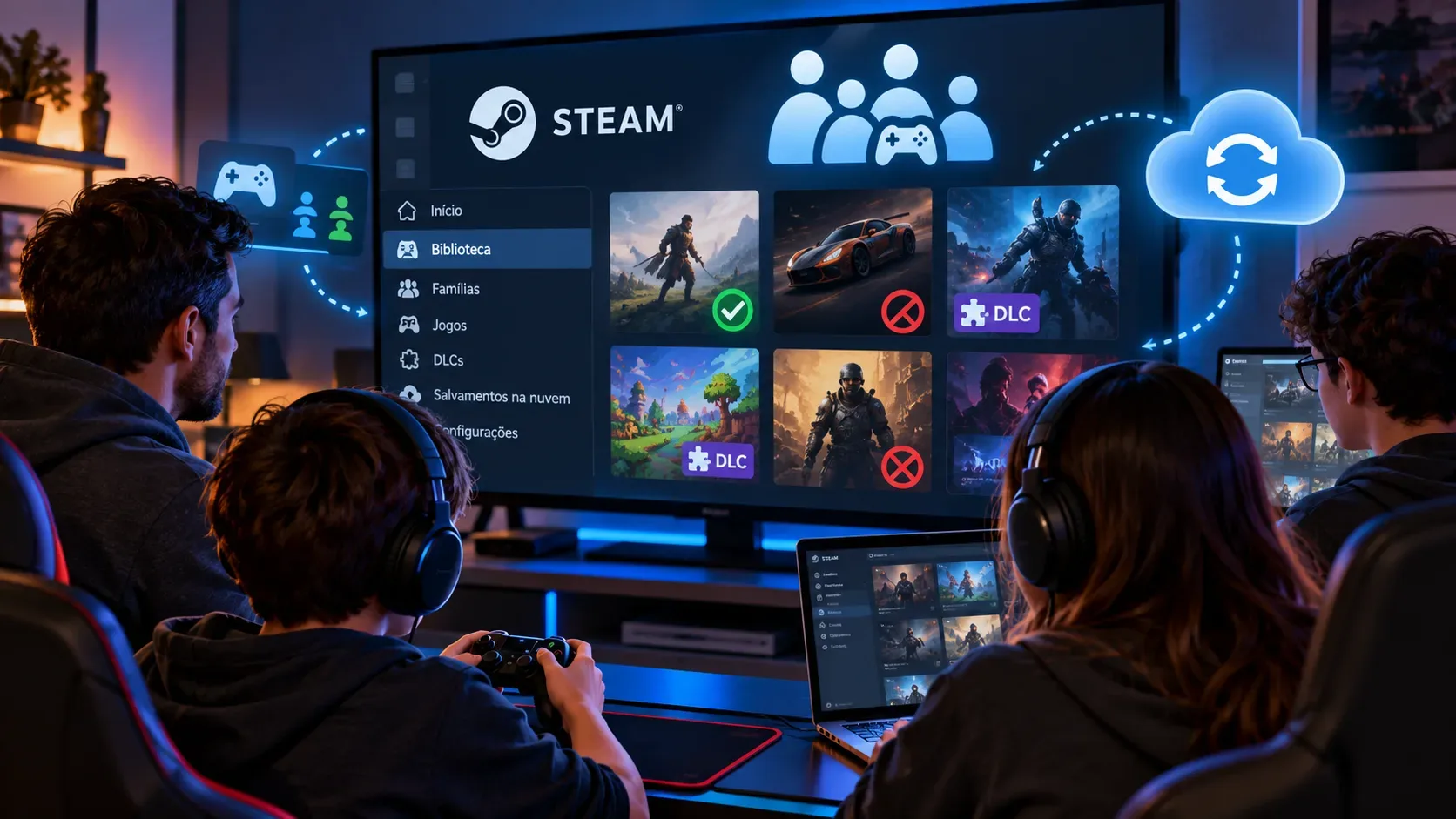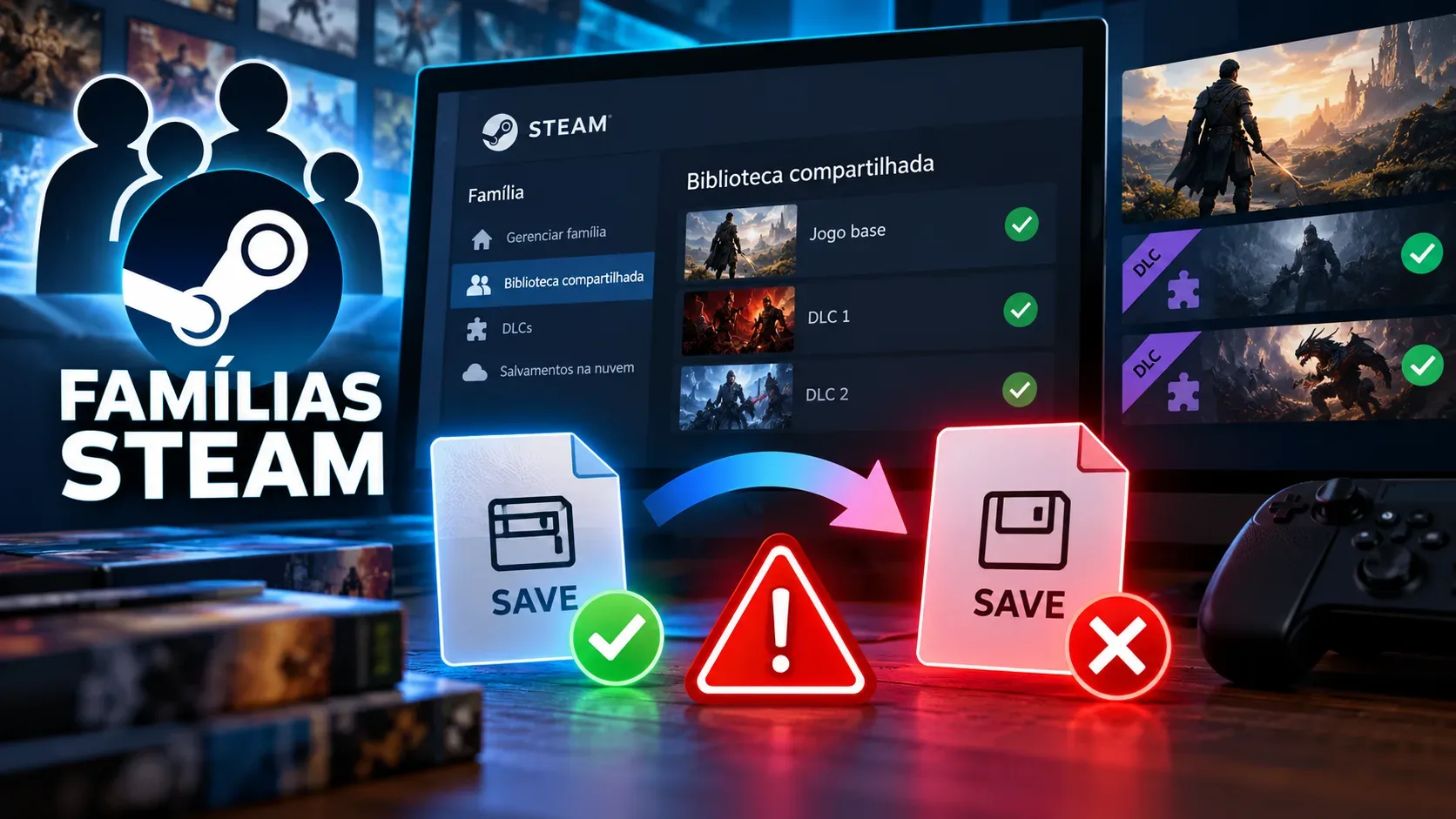
In Steam Families, switching to another shared copy of a game can prevent a save from loading because each owner may have a different set of DLC. Valve explicitly warns that saved-game compatibility is not guaranteed when you switch: the outcome depends on the game itself. A loading failure does not, on its own, mean that the save file has been deleted or corrupted.
The important questions are which copy you were using when you saved your progress, what add-on content was available, and what changed before the problem appeared. Steam lets you choose another copy, but it does not promise that a save made with particular DLC will work without it.
Why does the copy's owner affect available DLC?
If multiple family members own the same game, Steam lets you select whose copy to use and remembers your choice for future sessions. When you play somebody else's shared copy, you receive the DLC owned by that person that the publisher has made shareable. You should not assume that every DLC bought by every family member is pooled into one playable installation.
There is also a rule for copies that are already in use. According to Valve's FAQ, if a different available copy has an identical DLC set, Steam can launch that equivalent copy. If the DLC sets differ, the platform may offer another available copy while warning that saves might not work. If no copy is available, Valve lists waiting or buying another copy as the options.
Decision tree: what to check before switching copies
- Does the game appear in the family library? Check that it is eligible for sharing. Valve says some games and DLC cannot be shared because of publisher decisions, regional restrictions, third-party account or subscription requirements, operating-system limits, and other constraints.
- Does the family own more than one copy? If so, identify whose copy you usually launch. Steam allows a choice when several members own the title and remembers that preference.
- Does your usual owner have DLC that another owner lacks? Compare the shareable content associated with each copy. A difference in DLC is the risk identified by the FAQ; merely having two owners does not prove that a save will fail.
- Was your save created or continued with content missing from the other copy? Avoid switching without checking. A game might rely on DLC data, areas, items, or other features to interpret that progress. This is a technical possibility, not behavior confirmed for every game.
- Is the copy you normally use busy? Steam may use an equivalent copy with the same DLC. If only a copy with different DLC is free, you can wait or knowingly accept the risk of switching; the warning is not a compatibility guarantee.
- Did the save stop loading after the switch? Note which copy and DLC were active, preserve the save files, and, if possible, check whether the save loads again under the original combination. Whether this works, and any recovery method, depends on the particular game.
Example: two family members, one game, different DLC
Suppose Ana and Bruno both own the same game. Ana's copy includes a shareable expansion, while Bruno owns only the base game. A third family member starts a campaign using Ana's copy and saves while the expansion is available. Later, when Ana is playing, Steam may offer Bruno's copy, which does not provide access to the expansion.
In this hypothetical example, switching could prevent that campaign from loading, depending on how the game handles saves that refer to add-on content. It might also work if the game allows it. Valve's FAQ does not impose one rule on all expansions, does not say that every DLC-based save becomes unusable, and does not establish that returning to the first copy will always repair a file.
When should you avoid changing owners?
If your progress depends on an expansion available only through the copy you normally use, waiting for that copy is safer than opening or overwriting a save with a different configuration before you know how the game responds. Avoid deleting saves, uninstalling content, or replacing files to force a fix. Before testing anything, check the developer's documentation about backups and save-file behavior for that specific game.
Keep individual progress separate from shared game licenses: Valve says achievements belong to each Steam account, while saved-game behavior depends on the game. Accessing another family copy does not automatically transfer progress between accounts or turn the family's separate DLC purchases into a pooled license.
What if the game or DLC cannot be shared at all?
Before blaming a save incompatibility, check whether the content is eligible. The FAQ excludes, among other cases, free-to-play games and purchased DLC for them, games requiring outside accounts or subscriptions, and content restricted in a family member's region. Missing DLC does not necessarily mean a synchronization fault. If access is correct and only loading fails, the next investigation is specific to the game's version and save handling.
The practical way to minimize risk is to keep using the copy-and-DLC combination under which the save worked until you understand that title's rules. Valve confirms that copies can be changed, but does not guarantee compatibility between different DLC sets.