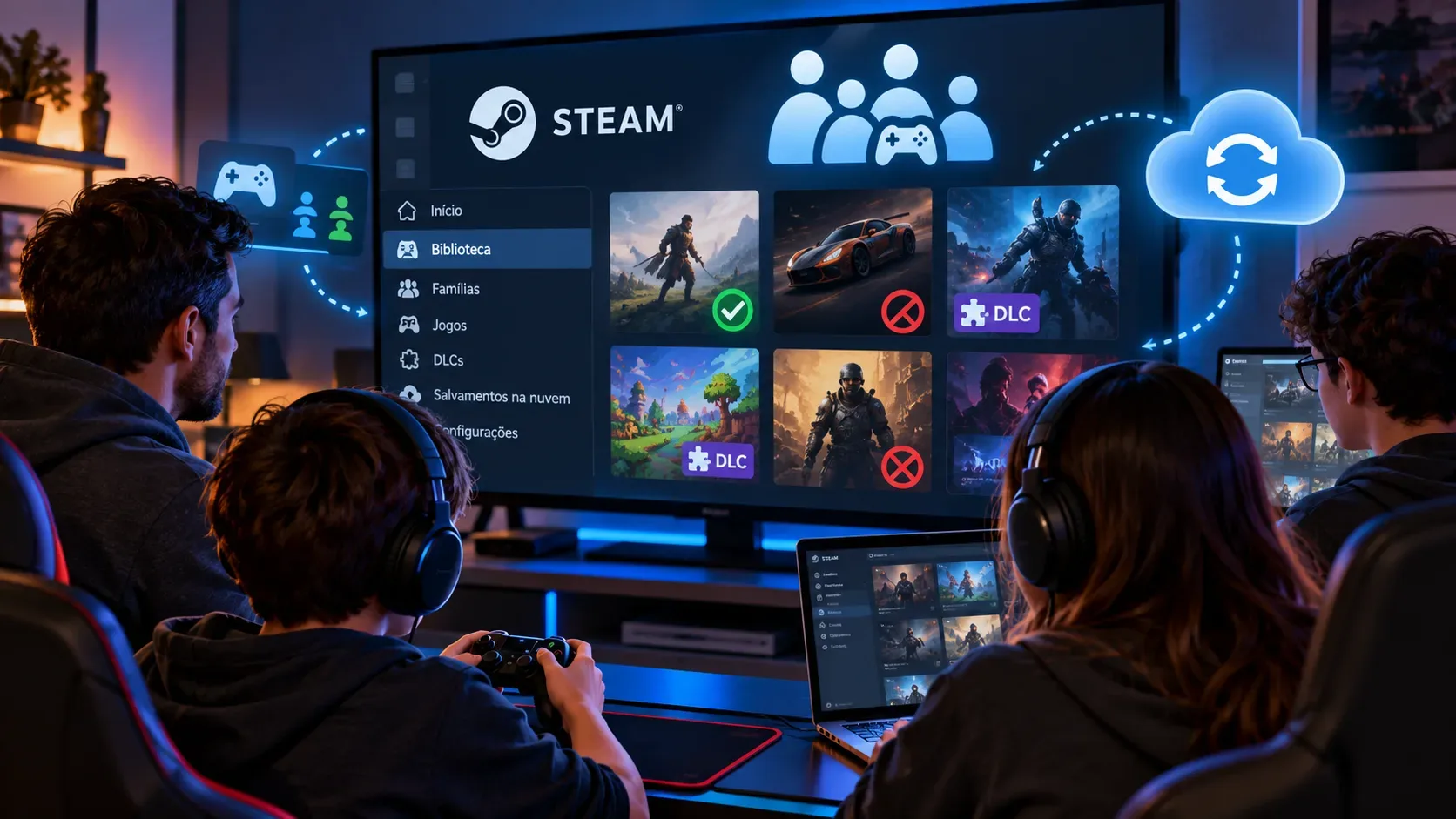
In Steam Families, a game may be missing because its publisher disabled sharing, an external account or subscription is required, regional or operating-system restrictions apply, or the owner marked it private. DLC does not become a single bundle for everyone: access depends on which game copy is being used and on sharing permissions. Each player's progress is not automatically a shared save, either.
According to Valve's rules, a Steam Family is intended for up to six close relatives living in the same household. Purchases remain owned by the accounts that made them. The family library gives access to eligible licenses; it does not transfer ownership of games or additional content.
Troubleshooting: what each symptom usually means
| Symptom | Most useful check |
|---|---|
| The game is missing from the family library | Check sharing eligibility, whether it is marked private, regional restrictions, and operating-system compatibility. |
| The game appears but is in use | Count the family-owned copies of that game. One license allows only one person to play that title at a time. |
| Someone else can play the title, but I cannot | Check whether another copy is available and whether its DLC configuration matches. Steam may offer a copy with different DLC. |
| An expansion or DLC is missing | Check who owns the base game, which copy is selected, and whether the publisher allows that DLC to be shared. |
| My account has no save or campaign progress | Sharing does not copy another person's progress. Check whether the game supports Steam Cloud and how it stores save files. |
| A save stopped loading after I switched copies | Check whether the earlier copy included DLC missing from the new one. Back up your data before retrying and consult the game's guidance. |
Why are some games and DLC excluded from sharing?
Valve's FAQ lists concrete restrictions. Before assuming a missing title is a Steam bug, identify which condition may apply:
- Third-party account, key, or subscription: games requiring an additional external license or service may be ineligible.
- Free-to-play titles: free-to-play games and DLC purchased for them are excluded under the FAQ's sharing rules.
- Regional restrictions: a game or DLC may be restricted in the owner's region or another member's region; living in different countries does not guarantee access.
- Operating system: placing a game in the family library does not make it compatible with another member's OS.
- Publisher choice: publishers can opt games out of sharing, including titles previously eligible.
- Private game: titles marked private by their original owner are excluded from the shared library.
- Parental controls: an adult may restrict which games a child account is allowed to access.
In the Steam client, 'Group by Library' helps distinguish family games from games you own. If a title is missing, check the game's eligibility and the FAQ's exclusions; joining a family does not override them.
Concurrent licenses: why can't two people always play together?
How many family members can play the same title simultaneously depends on how many copies the family owns, not on how many members it has. Valve uses Portal 2 as an example: one copy supports one player at a time; two copies support two. While one person plays Portal 2, another may play Half-Life using a different license.
This does not lock the owner's entire library. Someone can play an eligible game from another member's account while that owner plays a different title.
When several members own the same game, Steam lets you select a copy and generally remembers the choice. If the preferred copy is in use, Steam searches for another with the same DLC set; if only different configurations are available, it may ask whether you want to switch. With no free copy, you must wait or purchase another license.
How does DLC work when the family owns different copies?
The official rule is specific: when launching another family member's game copy, you can access that owner's DLC if the publisher marked it as shareable. This does not mean every DLC purchased by every family member automatically combines with every copy.
Imagine a family with two licenses for the same game: one includes an expansion, the other does not. If the first is in use, Steam may offer the second. It will not necessarily include the first copy's content, and switching could make saves that depend on that expansion incompatible.
If you already own the base game, do not assume DLC purchased by someone else becomes part of your own license. Check which copy Steam lets you select and the content associated with it.
There is also a distinction between a license and an installation. Steamworks treats DLC as content linked to the game, but owning or downloading files is not a substitute for entitlement checks. You can inspect the DLC list in the game's properties. Developers also need to handle access to certain shared DLC carefully when it contains consumable items or currency.
Are saves shared? What about Steam Cloud?
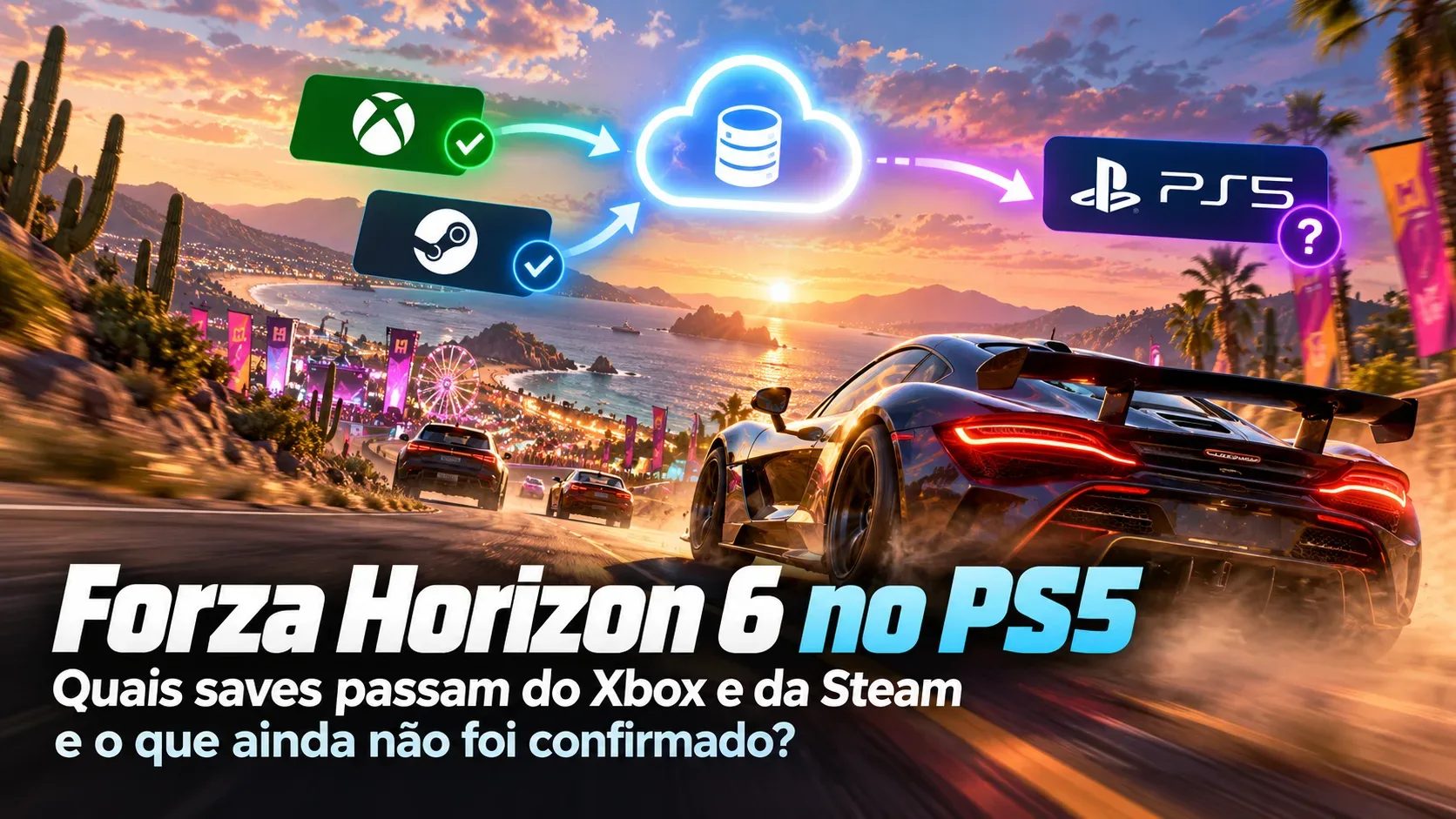
There is no single family-wide campaign. Each account keeps its own achievements and progress, although Valve notes that exact save behavior depends on the game. Steam Families does not automatically transfer save files, achievements, or progress between accounts, including when a new child's account is created.
When a game supports Steam Cloud and synchronization is enabled, files configured by its developer can follow a player across computers using the same account. That does not make one family member's save available to another account. Some games save locally or rely on their own systems, and file locations and compatibility can vary.
Distinguish switching computers from switching licenses: continuing a game on another PC while signed into your own account is about synchronization; moving to a family copy without the same DLC is about content compatibility. Valve explicitly warns that a save may not work with a different set of DLC.
Before changing copies, removing an expansion, or opening an important save, note which license and DLC were in use, check synchronization, and make a backup according to that game's instructions. A backup does not guarantee that different content configurations will accept the same file.
Quick checklist to fix the issue without losing progress
- Open the Steam Library on the affected account and use 'Group by Library' to locate family titles.
- Confirm that the game owner belongs to the same Steam Family and that the title is not private, publisher-excluded, or blocked by an external account, region, or operating system.
- If access is locked, check how many licenses for that title are free. Select another copy if the Steam client offers one.
- For missing DLC, compare the selected license's content with the copy used previously. Also check the DLC list in the game's properties.
- For save issues, preserve a backup and check how the particular game stores progress and whether Steam Cloud has finished syncing.
- For child accounts, review parental-control permissions. If none of these restrictions explains the problem, contact Steam Support with the game title and the observed symptom.
These checks reflect documentation reviewed on October 23, 2026. Valve may change its policies, and developers may change a game's sharing eligibility, so check the official FAQ before treating an older rule as permanent.