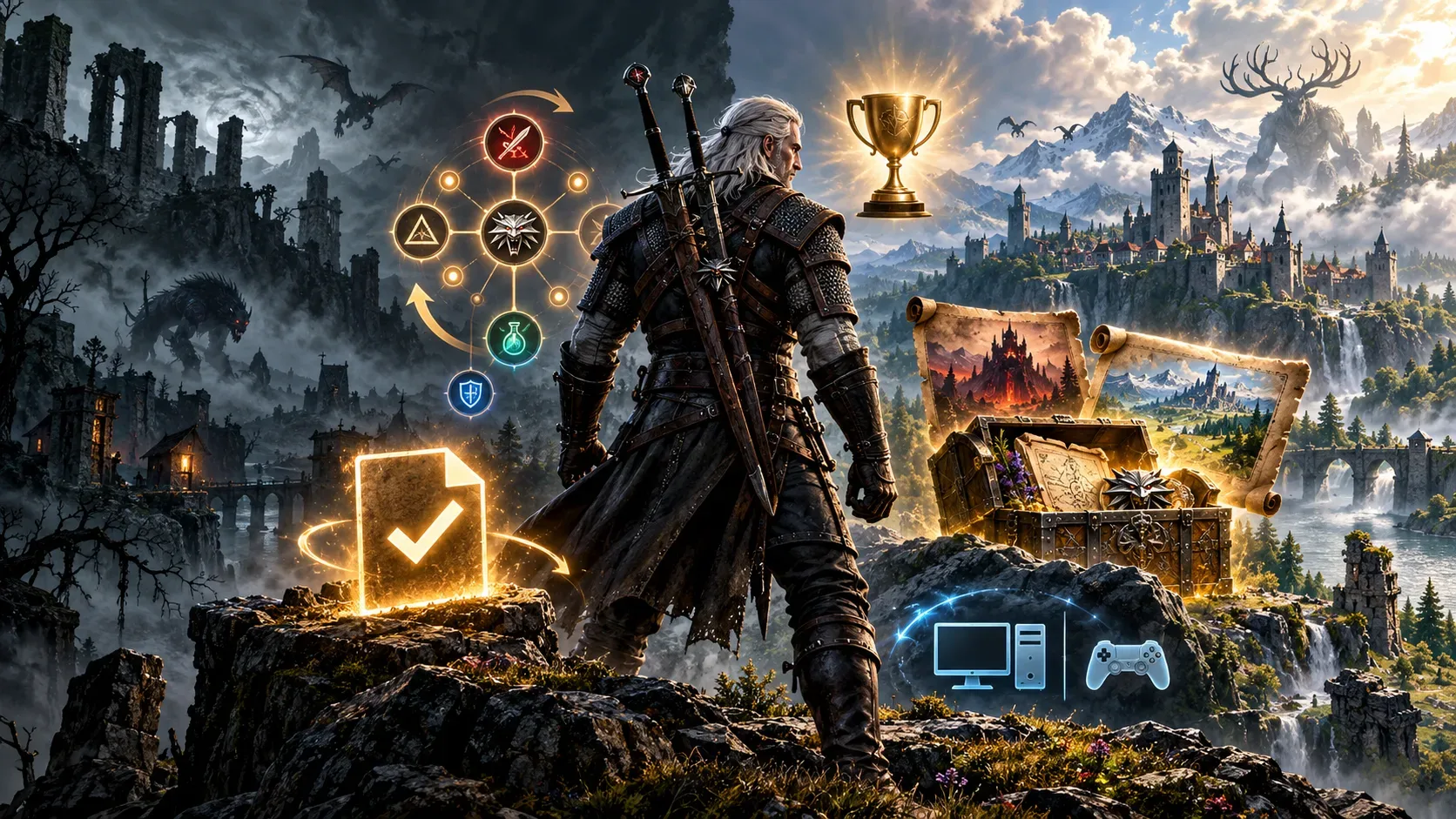
Yes, existing The Witcher 3: Wild Hunt save files are compatible with Remastered. The update released on September 29, 2026 does not require players to restart the campaign. One step is necessary, though: because CD PROJEKT RED redesigned the skill system, previously assigned skill points are reset and the build must be set up again. Earned achievements and trophies remain unlocked, while Hearts of Stone and Blood and Wine are included at no additional charge for eligible owners.
The practical distinction is that save compatibility does not mean a game license can be transferred between stores or consoles. Continuing on another device may involve cross-progression, signing into the correct account and checking the installed content. Here is what the official documentation confirms, including patches released through October 22, 2026.
What carries over, what changes and what requires action
| Item | Status in Remastered | What to do |
|---|---|---|
| Campaign save | Compatible with the updated game. | Launch the game and check Load Game. Back up the files before changing the installation. |
| Skills and points | Previous allocation is reset because of the redesigned skill tree. | Open the tree and reassign available points; the old build is not automatically restored. |
| Achievements and trophies | Already unlocked rewards remain, including those from the two original expansions. | You do not need to repeat achievements solely because the same game was updated. |
| Hearts of Stone and Blood and Wine | Included in Remastered and granted at no extra cost to eligible base-game owners. | Check that the content is installed, especially when bringing over a save created with expansions. |
| Moving saves between devices | Supported through cross-progression on compatible versions. | Link both versions to the same CD PROJEKT RED Account and upload a current save. |
| License and free upgrade | The upgrade follows ownership eligibility within the relevant platform ecosystem. | Check entitlement on the destination store or console; a save does not grant another game license. |
How to recover or move a save without restarting
CD PROJEKT RED's FAQ confirms that existing saves work with Remastered. That does not guarantee every save will appear automatically after switching consoles. Its support team directs players to use cross-progression, which connects the game to a CD PROJEKT RED Account and uploads saves to the cloud.
- Update the game on the device that still holds your save, then open Load Game.
- Enable Cross Progression and sign in to your CD PROJEKT RED Account. The setting is also available under gameplay options.
- Create a new save and look for the cloud icon, indicating that it has been uploaded.
- On the destination device, open My Rewards, sign in to the same account, and look for the file in Load Game.
- Before opening an older file, check that the destination installation contains the content required by that save.
If saves do not appear on a console, official support recommends reconnecting the account used previously. Anyone who used cross-progression before the switch to CD PROJEKT RED Accounts should sign into the account associated with the same email address as their former GOG account. If the feature was never enabled but the old console is still available, the solution is to upload the file from that device. Without prior cross-progression and without access to the source console, support says it cannot retrieve the save.
There is another exception: a save made with expansions or DLC installed may fail to load in an edition that lacks that content. Support specifically describes a Complete Edition save failing on a base-game installation without all required add-ons. Including the two major expansions in Remastered reduces this risk for those expansions, but other DLC and the actual installation state are still worth checking.
Why are skills reset?
The update reorganizes abilities into a skill tree. Each skill has three levels, and unlocking new abilities now depends on prerequisites rather than the former fixed threshold of spent ability points. Bonuses, synergies and some skill names have also changed. That is why CD PROJEKT RED confirms the reset of previously assigned skill points.
A save can retain the adventure's progress even though Geralt's build needs to be rebuilt. After launching the game, review the tree, check which skills now require other abilities first, and reassemble your preferred mix of combat, Signs and alchemy. Do not mistake the reset for evidence that quests or campaign levels were erased. The documentation confirms a reset of skill allocation, not a complete restart of the character.
Achievements, expansions and upgrade entitlements
The FAQ calls Remastered an update to the same game and confirms that achievements and trophies already earned in the base game, Hearts of Stone and Blood and Wine remain unlocked. This refers to their continuity in the updated version; it is not a promise that trophies are copied between different console networks.
Both original expansions are included in Remastered. The official announcement also grants them free of charge to eligible players who previously owned only the base game. The entitlement to the added content and the upgrade depends on the purchasing ecosystem; owning a copy in one store does not automatically grant another store's license. CD PROJEKT RED also announced a free path from the original Nintendo Switch version to Nintendo Switch 2, with a specific territorial exclusion for Russia and Belarus regarding the free Switch 2 upgrade.
What to check on each platform
| Platform | Upgrade and saves | Watch out for |
|---|---|---|
| PC: Steam, GOG and Epic Games Store | Free upgrade for eligible owners; compatible saves and cross-progression when enabled. | Steam and GOG offer procedures for returning to the classic version; Epic has no official rollback. |
| PC: Battle.net | Remastered launched on this storefront on September 29, 2026; the game uses the revised systems. | Do not assume a purchase on another PC storefront transfers the license to Battle.net. |
| PlayStation 5 | Remastered is available; the FAQ confirms continued saves and trophies. | When changing consoles or editions, use the CD PROJEKT RED Account and cross-progression if needed. |
| Xbox Series X|S | Remastered is available, and the patch notes document Xbox Play Anywhere support. | Check entitlement in the Xbox ecosystem; Play Anywhere does not mean unrestricted licensing on Steam, GOG or PlayStation. |
| Nintendo Switch 2 | A native Remastered edition is available; eligible original Switch owners can claim it at no extra cost. | Use cross-progression to move saves. The free Switch 2 upgrade has a stated exception for Russia and Belarus. |
October patches, the classic version and precautions before updating
The launch update was not the last change. On October 8, 2026, patch 5.01 reached PC, PlayStation 5 and Xbox Series X|S. It fixed an issue that could affect save-file data and added measures to address files that might already have been affected. Patch 5.01 for Nintendo Switch 2 was announced on October 19, with an equivalent save-related fix and platform-specific performance and image improvements. Keep the game patched before troubleshooting a save problem.
On PC, players who prefer an older version for hardware requirements or compatibility reasons can select the CLASSIC branch in Steam properties or the Classic channel in GOG Galaxy by following CD PROJEKT RED's guide. The publisher's support site says the Epic Games Store does not officially allow a rollback. Back up saves before changing versions, and do not assume a save created after upgrading will work on an older build.
The safest approach is to preserve a backup, install available patches, make sure the save's required content is present and only then rebuild the skills. Remastered thus allows Geralt's journey to continue without conflating three separate things: saved progress, skill allocation and ownership of the game.
Sources and references
- CD PROJEKT RED: September 29, 2026 launch announcement
- The Witcher: Remastered update notes, September 28
- CD PROJEKT RED Support: Remastered frequently asked questions
- CD PROJEKT RED Support: how to use cross-progression
- CD PROJEKT RED Support: recovering missing saves after the update
- CD PROJEKT RED Support: content required to load a save
- The Witcher: patch 5.01 for PC, PS5 and Xbox Series, October 8
- The Witcher: patch 5.01 for Switch 2, October 19
- CD PROJEKT RED Support: reverting the PC game version
- The Witcher: free upgrade and expansions announcement