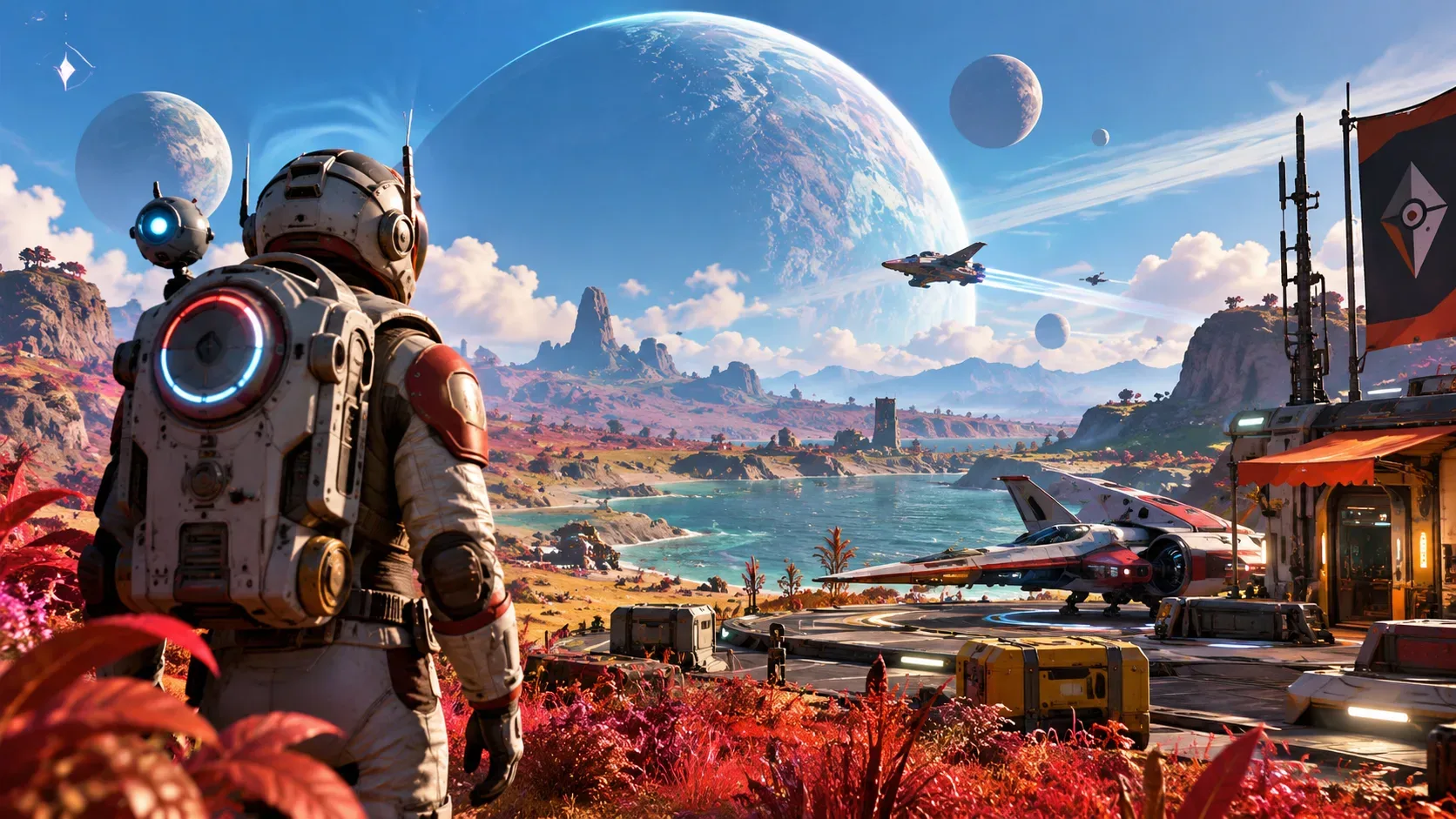
Exclusive phase and completion rewards from No Man's Sky Expeditions can be used in other saves, but they do not automatically appear in another save's inventory. After earning them, load the destination save, visit the Space Anomaly and claim them from the Quicksilver Synthesis Companion. Materials, equipment found during the expedition and currency balances follow different rules: transferring them depends on the type of reward and, in some cases, the Expedition Terminus.
This distinction dates back to the 2021 Expeditions update and gained another layer in 2024, when Omega enabled Expeditions to start from an existing save. Cross-save between platforms is a third, separate system for moving save files, not for indiscriminately granting one account's rewards to another.
Which rewards are available in other saves?
| Type of reward | Availability in another save | Where to check |
|---|---|---|
| Exclusive phase or completion reward, such as an Expedition ship, Multi-Tool, cosmetic or companion | Yes, once properly unlocked for the relevant player profile. | Quicksilver Synthesis Companion aboard the Space Anomaly; claim it in the destination save. |
| Ordinary milestone reward, such as supplies or upgrades used during the journey | Not automatically an unlock across all saves. | Expedition inventory and, if it began from an existing save, transfer options at the Expedition Terminus. |
| Cargo, resources and technology found while exploring | Not freely copied to every other save. | Selected transfers to the primary save connected to the Expedition, subject to terminal options. |
| Units, Nanites and Quicksilver earned during the Expedition | For Expeditions started from an existing save, Omega specifies automatic return to that primary save on completion, not credits to every save. | End-of-Expedition summary and the originating primary save's balance. |
| Non-consumable Quicksilver purchase, such as an emote or base part | Frontiers made these unlocks account-wide rather than specific to a single save slot. | Rewards catalogue for the correct profile; do not confuse the unlock with transferring a currency balance. |
The key distinction is an exclusive unlock versus an object or balance stored in one playthrough. A ship granted as an exclusive phase reward does not necessarily travel by the same route as a ship found during the Expedition; the latter may require the Terminus's copy feature.
How to claim an Expedition reward in another save
- Return to the original Expedition, if it is still accessible, and check the relevant phases and reward. Completing one milestone may award supplies without unlocking that phase's exclusive prize.
- Verify that the required phase or objective is complete and that the reward was actually earned. Seeing a reward advertised in the Expedition menu is not evidence that it has been unlocked.
- Load the save that should receive the reward and reach the Space Anomaly.
- Speak to the Quicksilver Synthesis Companion, find the Expedition rewards section and redeem the reward in that save.
- For appearance or base-building unlocks, check the relevant customization menu. For a ship or other equipment, also review available capacity and slots before claiming.
Hello Games confirms that earned exclusive rewards are redeemable across saves from the Anomaly vendor. You do not need to replay the entire Expedition independently in every save. That statement also does not mean rewards from phases you never completed will be granted retroactively.
What the Expedition Terminus is for
Introduced through the Omega overhaul, the Expedition Terminus aboard the Space Anomaly lets you start an Expedition from an existing save. This connects the temporary journey to the primary save in that slot. During the Expedition you can switch between them; when it ends, the terminal handles selected item and technology transfers and provides ship or Multi-Tool copy options where supported.
Omega explicitly distinguishes this from account-wide reward redemption: Units, Nanites and Quicksilver earned during an Expedition launched from an existing save return to that primary save on completion, while discoveries and bases are also shared with it. Unselected items can be converted under the wrap-up rules. Before ending the journey, review the terminal's transfer inventory and anything you want to copy. Do not assume unlimited transfers or delivery to an unrelated third save.
If you started the Expedition as a new game, the route differs: Hello Games says that Expedition save may later convert into a Normal Mode save. This does not mean its entire cargo is merged into an older save. Exclusive earned rewards still follow the Quicksilver Synthesis Companion route.
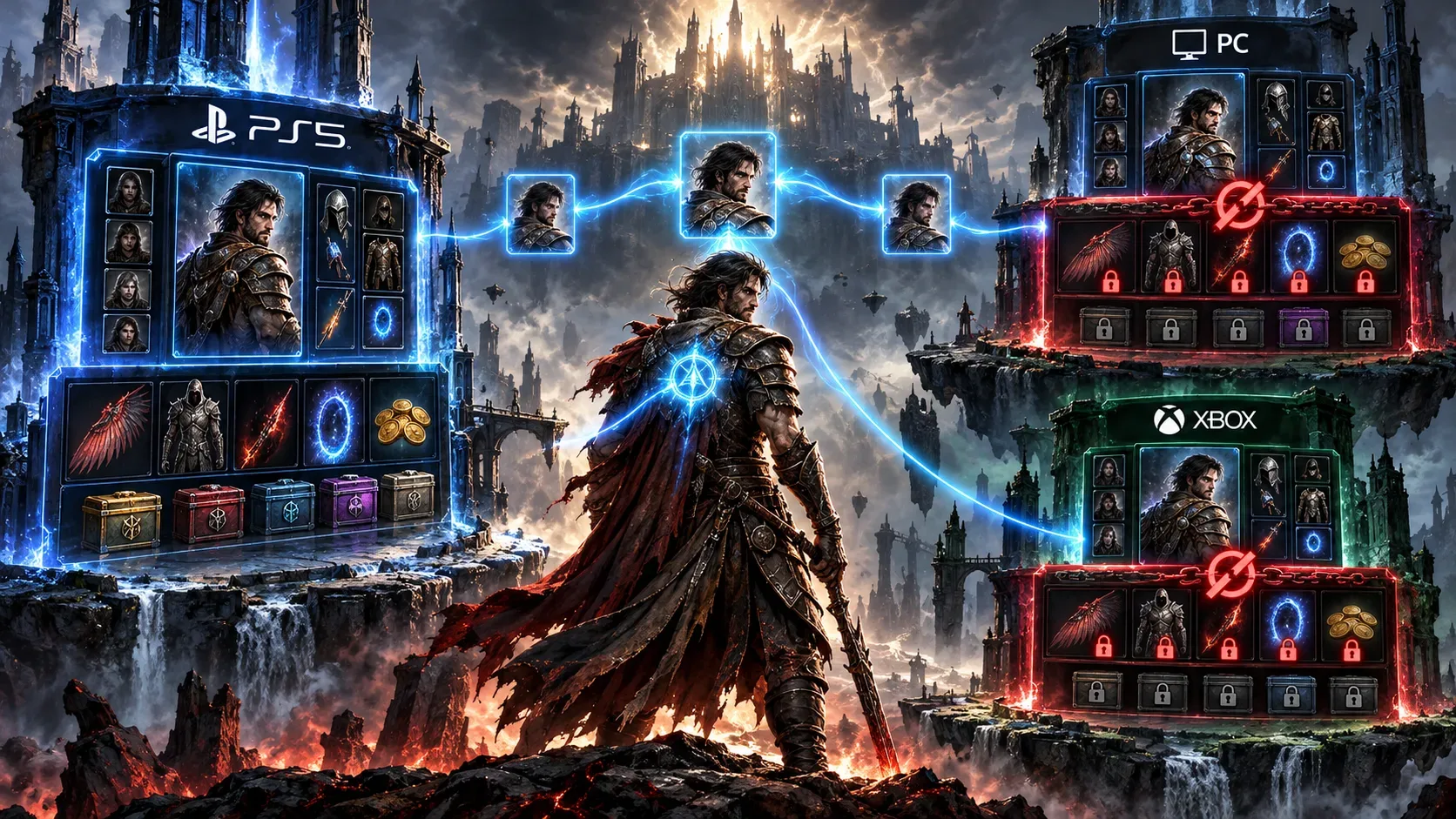
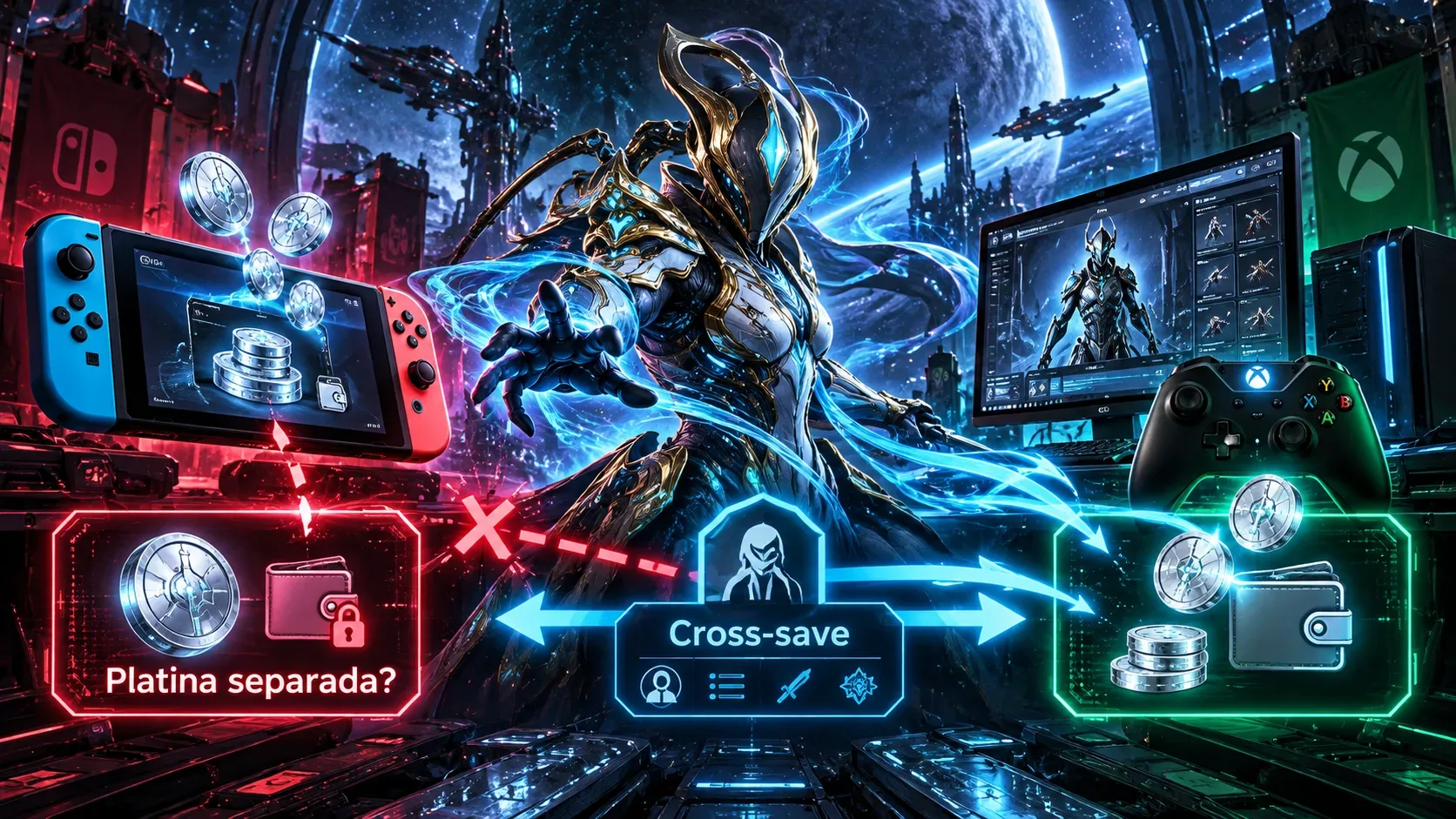
Cross-save across PC, PlayStation, Xbox and Switch is different
Frontiers had already enabled cloud synchronization of Expedition reward and title data in 2021 alongside saves moved through services such as Steam Cloud or PlayStation Plus. Hello Games Cloud, introduced in 2024 and opened to all players in June 2025, supports a different operation: linking supported platform accounts and moving actual save files between devices.
The official process is to connect platform accounts through the Hello Games Cloud site, enable cross-save on the relevant platform, then use the in-game manager to upload or download a save. The service specifies a limit of five saves in cross-platform cloud storage. If two files conflict, the player must choose which version to keep after checking its date and size. A save stored on PC does not prove a console has downloaded the same version.
Linking platforms should not be interpreted as a guarantee that rewards earned by different people's accounts will be merged. Frontiers specifically notes that separate users of the same computer no longer share Expedition reward data. When investigating a missing unlock across platforms, check the signed-in profile, enabled connections and the file actually uploaded and loaded before concluding that a reward was lost.
Troubleshooting a missing reward
- The phase was not completed: distinguish a single milestone reward from the exclusive prize for a phase or the whole Expedition.
- The prize was earned but not claimed in this save: check the Quicksilver Synthesis Companion instead of waiting for it to appear in the inventory.
- You are looking for resources or technology: inspect the Expedition Terminus and the associated primary save, rather than the vendor's account-wide catalogue.
- You played on a different platform: verify the connected account, cross-save status, uploaded save and the save actually downloaded.
- The reward should be available but is absent: record the Expedition, phase, reward name, game version, platform and save status before contacting official support.
Cosmos patch 7.05, announced on September 30, 2026, improved messaging when redeeming Expedition rewards. That interface change is not proof that every missing-item issue on every platform was fixed. Check your installed version against the relevant patch notes.
Expedition 23, released in September 2026, as an example
On September 16, 2026, Hello Games announced the 23rd Expedition, the anniversary event Our Journey Continues, planned to run for approximately six weeks. Its announced rewards included nine framed artworks for bases, a cockpit bobblehead, the Starbound v0.27 Multi-Tool, a golden Rasamama S36 ship, a vintage Sentinel Interceptor and a diplodocus companion.
The announcement expressly states that exclusive phase rewards earned during this Expedition can be redeemed in other saves from the Quicksilver Synthesis Companion. It does not say that every material picked up on the journey is sent to another save or that an account without the unlock will receive those items. If an Expedition ends before the reward is earned, a possible rerun requires its own announcement; the sources do not document automatic retroactive unlocks for incomplete phases.