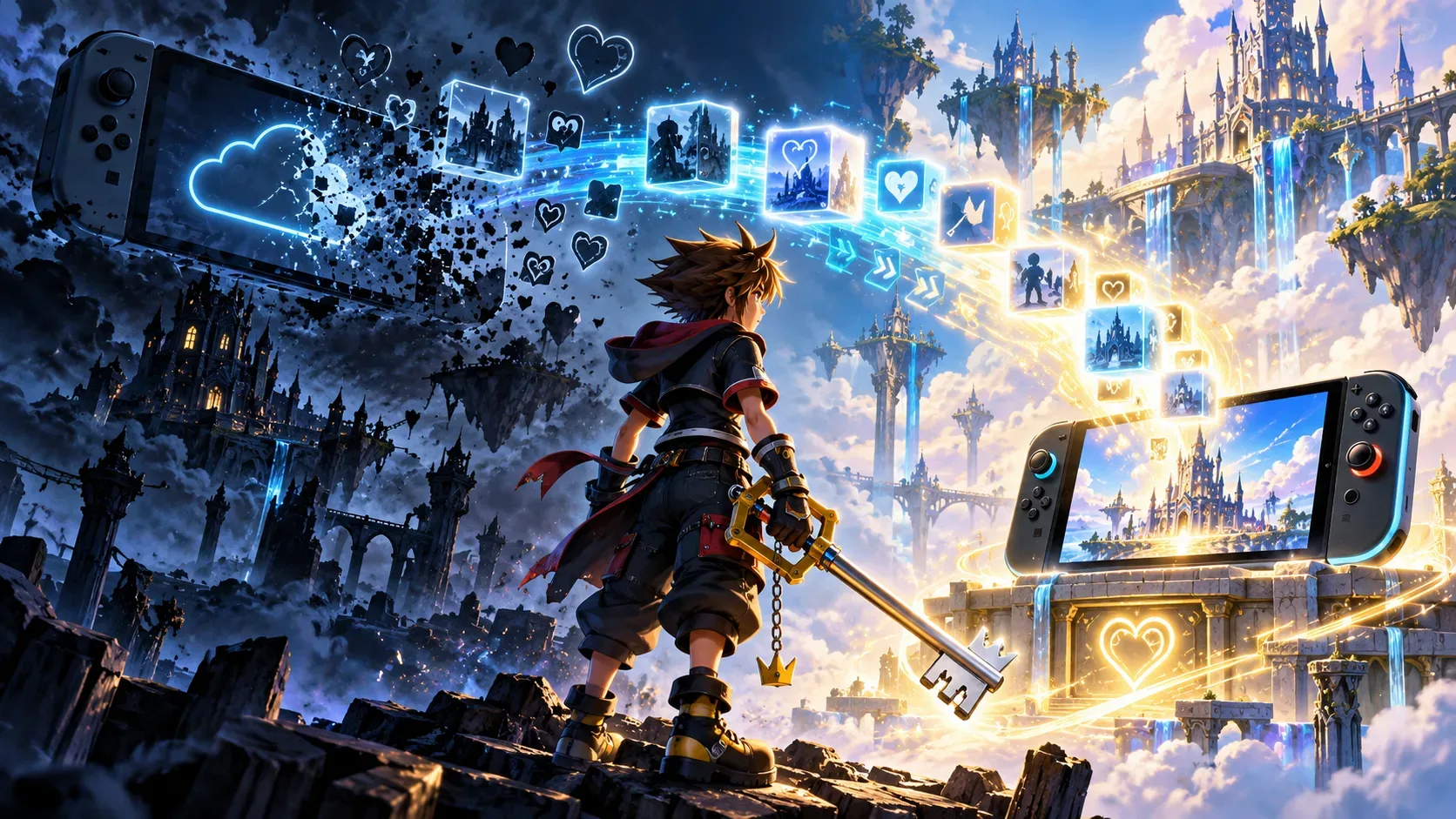
Kingdom Hearts save data from Nintendo Switch Cloud versions can transfer to the corresponding native digital editions on Nintendo Switch 2. The Cloud service will shut down on June 9, 2027, at 14:59 UTC (11:59 a.m. Brasília time). The safer approach is to purchase the matching edition, check the transferred progress and address any error while the original service is still running.
Being able to transfer a save does not mean the new game is free. Square Enix offers a 50% discount on eligible digital purchases; the physical collection does not qualify. The company has not confirmed that players will be able to initiate a new transfer after the Cloud service ends.
Which Cloud games are shutting down, and when
Square Enix stopped selling the Cloud versions on June 9, 2026. Existing owners can continue playing until the service ends on June 9, 2027, at 14:59 UTC. The shutdown covers HD 1.5+2.5 ReMIX Cloud Version, HD 2.8 Final Chapter Prologue Cloud Version, Kingdom Hearts III + Re Mind Cloud Version, and the Kingdom Hearts Integrum Masterpiece for Cloud bundle.
The native, non-cloud editions launched on Switch 2 on October 8, 2026. KINGDOM HEARTS Collection [I~III] combines the three main collections, which are also available individually as digital purchases. Nintendo's Brazilian store lists the collection as a digital Switch 2 product.
Purchase matrix: old game, new edition, discount and save
Eligibility depends on what you previously bought. This chart covers eligible digital purchases in the Nintendo ecosystem, not an assumed discount on every game or account.
| What you own | Relevant new edition | Announced discount | Save transfer |
|---|---|---|---|
| HD 1.5+2.5 ReMIX Cloud | Native HD 1.5+2.5 ReMIX for Switch or Switch 2 | 50% off the corresponding digital edition | Switch Cloud to native digital Switch 2: yes |
| HD 2.8 Final Chapter Prologue Cloud | Native HD 2.8 on Switch 2 | 50% off the corresponding digital edition | Switch Cloud to Switch 2: yes |
| Kingdom Hearts III + Re Mind Cloud | Native III + Re Mind on Switch 2 | 50% off the corresponding digital edition | Switch Cloud to Switch 2: yes |
| All three Cloud titles bought separately | Individual editions and digital Collection [I~III] on Switch 2 | 50%, under Nintendo's conditions for owners of all Cloud titles | Yes, for each corresponding game on Switch 2 |
| Integrum Masterpiece for Cloud | All eligible native digital editions, including Collection [I~III] | 50% off the announced digital editions | Yes, for corresponding game saves on Switch 2 |
If you own only one or two of the three Cloud collections, do not assume that the complete bundle is 50% off. The documented safe assumption is a discount on the matching edition. Nintendo's Brazilian product listing explicitly reserves broader eligibility for owners of all three Cloud titles separately or Integrum Masterpiece for Cloud. Check the displayed price in your regional eShop before paying.
The discount applies to digital purchases, not the physical Collection box. Square Enix says it remains available for digital purchases after launch; the reviewed sources do not establish a single price in Brazilian reais or a universal promotional end date.
How to preserve and check your save on Switch 2
The announcements confirm transfer support but do not document a universal export menu across the three games. This is a verification checklist, not a claim that an unlisted button sequence is official.
- Identify the Cloud game you own and confirm the corresponding native digital Switch 2 edition. Check the applicable discount before completing the purchase.
- Keep the original Cloud edition's save data intact. Do not delete the source save to clear space or force a transfer.
- Install and start the matching native edition on Switch 2 while the Cloud version is still operational. Confirm that your expected progress is recognized before continuing the campaign.
- If progress is missing, follow only Square Enix's specific October issue fix, outlined below. Do not remove saves for games that transferred successfully.
- Carry out these checks before June 9, 2027, at 14:59 UTC. Support for starting a transfer after the shutdown has not been confirmed.
The October issue was fixed: what to do if your save did not transfer
In a notice published on October 9, 2026, Square Enix reported a problem observed from October 8 among players in North American and European regions. Some Cloud saves were not carried over correctly to Switch 2. The company says the underlying issue has been fixed for new attempts; the following procedure is for players who already experienced it.
- On Switch 2, find only the newly purchased native game whose progress failed to carry over and delete that destination edition's save data.
- Never delete the original Cloud version's save data. Deletion cannot be undone and could also erase progress made in the native edition after the failed attempt.
- Close and restart the native game. Square Enix says the save transfer should then proceed normally.
The official notice describes affected players in the stated regions; it does not establish that the issue occurred in Brazil. If the problem persists, contact the game's support team before deleting any additional files.
What this save transfer does not cover
The launch announcement separates a purchase discount from save portability. There are commercial offers for owners of earlier digital PlayStation 4 and Xbox One versions, but the announced save transfer is from Switch Cloud to Switch 2. The same release explicitly says save transfers are not supported for other platforms. Do not treat PS4, PS5, Xbox, PC or Steam as confirmed destinations for Switch Cloud saves.
There is also a distinction within Nintendo hardware: HD 1.5+2.5 ReMIX has a native edition for the original Switch. Its Brazilian store listing says saves from that native Switch version can transfer to Switch 2, but not in the reverse direction. This is separate from the Cloud migration and should not be generalized to the other games.
The digital collection does not automatically entitle buyers to a physical edition, and the Keyblade bonus mentioned on its store listing does not change save compatibility. To preserve a campaign, the critical detail is matching the source game to the native Switch 2 edition.
Quick answers before the shutdown
- Can I buy the Cloud versions now? No. Sales ended on June 9, 2026; the 2027 date is when existing owners lose Cloud access.
- I own only Kingdom Hearts III Cloud. Is the complete Collection discounted? The documentation confirms a discount on the matching title, not automatic bundle eligibility.
- Can I wait until after shutdown to transfer? A migration option after June 9, 2027, at 14:59 UTC has not been confirmed. Check your progress before that deadline.
Sources and references
- Square Enix: Cloud version discontinuation notice (June 9, 2026)
- Square Enix: save transfer issue and fix (October 9, 2026)
- Square Enix: collection, editions and discount conditions
- Square Enix: October 8, 2026 launch announcement
- Nintendo Brazil: KINGDOM HEARTS Collection [I~III] digital listing
- Nintendo Brazil: HD 1.5+2.5 ReMIX listing and save transfer rules
- Nintendo Life: independent report on Cloud version delisting