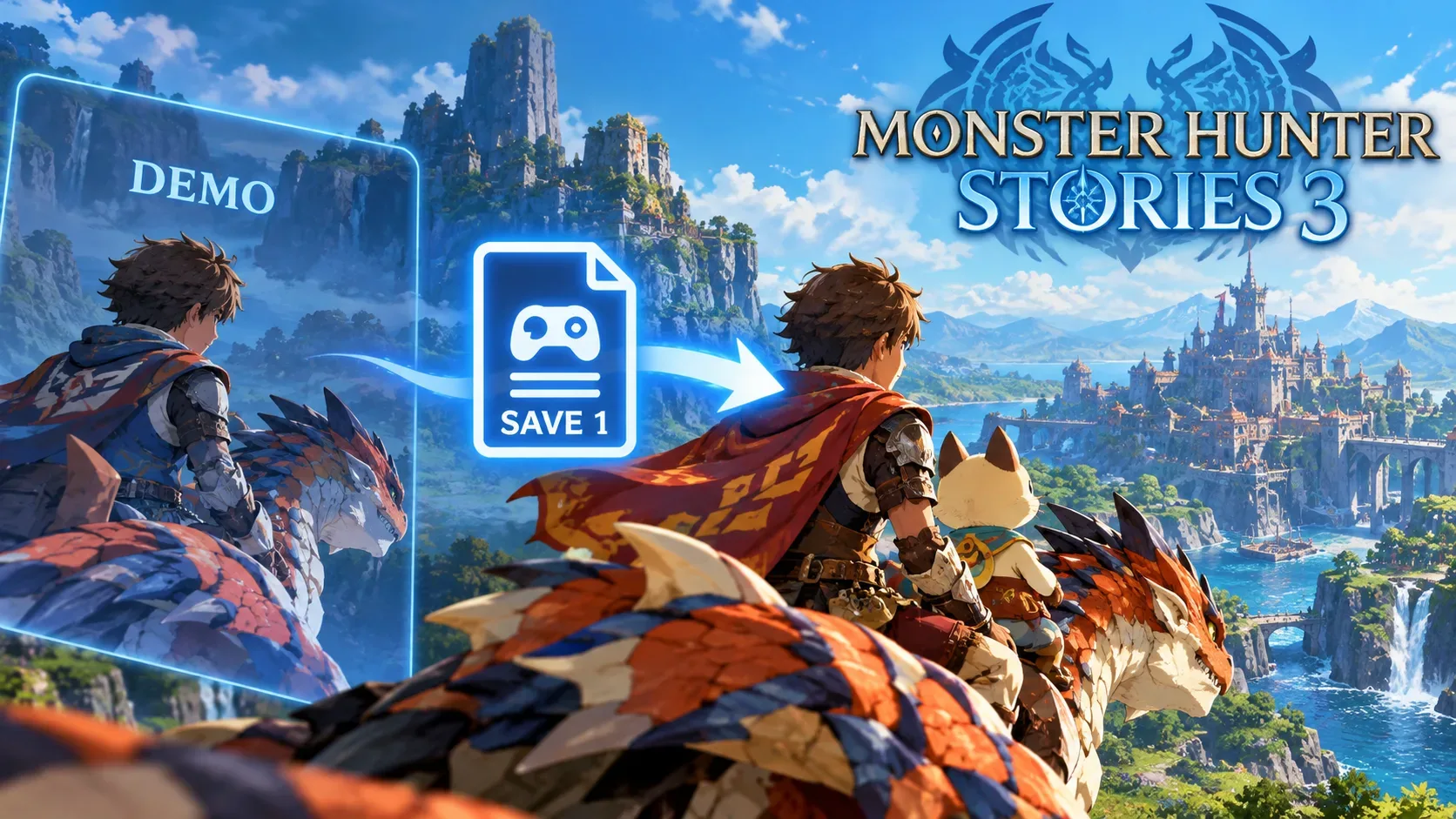
To carry your progress from the Monster Hunter Stories 3: Twisted Reflection trial into the full game, open the trial, make a manual save in Slot 1 at a Catavan Stand, then use the full game's trial-data transfer option. Capcom states that autosave data alone cannot be transferred. The transfer must stay within the relevant platform and account, without manually copying or renaming save files.
There is an important exception for players who have already begun another playthrough: Capcom's general FAQ recommends resetting the full game's save data after it creates an autosave, but a Steam-specific update released on March 17, 2026, version 1.0.03, made importing possible even when the full game already has a save. The procedure therefore is not identical across platforms.
How to transfer your trial save: step by step
- Open the trial on the platform and account where you made the progress you want to keep.
- Go to a Catavan Stand and save manually to Slot 1. Do not mistake this entry for an autosave.
- Confirm that a manual save exists in the trial's Slot 1 before closing it. Do not delete the trial data.
- Launch the full game on the same platform and, as a precaution, the same account. On Nintendo Switch 2, Nintendo explicitly requires the same console and account.
- Find the trial-data transfer feature on the title menu and follow the confirmation prompts. On Steam, Capcom calls this feature Transfer Trial Version Data; the wording may differ according to the display language.
- Check the imported progress before continuing or creating more saves. If the feature is missing, run through the checks below rather than altering files.
Nintendo says that the trial has only one manual save slot, whereas the full game provides three. This does not change Capcom's central rule: the transferable record must be the trial's manual Slot 1 save.
Why is autosave not enough?
The game keeps autosave separate from the manual slot used for transfer. Playing for hours or seeing your progress when you reopen the trial does not prove that Slot 1 has been populated. According to Capcom's FAQ, an autosave without a manual save cannot be imported.
If you can still access the trial, reopen it, resume the available playthrough, find a Catavan Stand and save the current state to Slot 1. This creates the kind of record recognized by the full game without requiring you to replay the opening campaign. If the trial data has been deleted and no recoverable copy exists, there is no official basis for promising recovery.
What to check when the full game cannot find the trial
| Situation | What to check or do |
|---|---|
| Only an autosave exists in the trial | Return to the trial and make a manual Slot 1 save at a Catavan Stand. |
| The account or console does not match | On Switch 2, use the same account and console. On other platforms, check your account and avoid switching ecosystems. |
| The trial is on PC and the full game is on console, or the reverse | There is no cross-save between Steam, PlayStation 5, Xbox Series X|S and Nintendo Switch 2. |
| The transfer option is missing on Steam | Update the game, restart your PC and consult the official Steam client troubleshooting linked in the version 1.0.03 announcement. |
| A new full-game playthrough has already produced an autosave | Read the platform-specific instructions before deleting anything: Steam has the 1.0.03 fix, while the general FAQ describes a different procedure. |
I started a new game in the full version. Did I lose my trial save?
Not necessarily. Trial data should not be confused with data generated by the full game. The problem described in Capcom's FAQ is that autosaving after starting a new game in the full version can block the transfer. The FAQ, updated on July 22, 2026, instructs players to delete the full version's save data through the hardware settings and restart the game. Capcom warns players not to accidentally delete the trial's save data.
Steam has a documented exception: the March 17, 2026, version 1.0.03 announcement says players can transfer trial progress even after creating new full-game save data. PC players should therefore first check that the game is updated and look for the transfer feature. Deleting a full-game save solely because the general FAQ still describes the older workaround would be unwise.
On consoles, if the transfer remains blocked and you choose to follow the FAQ, carefully check the exact game and user account in the system's save-data management screen. Deleting the full version's save also removes any progress made in that version. Consider the official backup options for your platform before taking an irreversible step. Deleting the trial data is not a solution.
Accounts, consoles and backups: platform differences
Nintendo Switch 2: Nintendo requires the same account and console for the transfer. It also specifies a level cap of 10 in the trial, with no further experience gained after reaching that cap; this restriction is not evidence of a save failure.
PlayStation 5 and Xbox Series X|S: Capcom confirms these versions and states that cross-save between platforms is unavailable. The Brazilian PlayStation Store confirms that PS5 trial progress can be brought into the full game, subject to the save requirements.
Steam: alongside the Slot 1 requirement, version 1.0.03 changed how saves already created in the full game affect importing. Capcom also acknowledged an issue in which the Steam client failed to detect trial data and advised restarting the PC and consulting Steam support if the transfer option was not displayed.
According to Capcom, backups can use PlayStation Plus on PS5, the Xbox service's cloud, Nintendo Switch Online on Switch 2 and Steam Cloud on PC, subject to their respective requirements. Backup is not cross-save, nor does it enable progress to be imported from a different platform. Capcom does not guarantee that Steam backups manually assembled from local storage will work.
Do not rename save files or force an import
In a notice dated March 16, 2026, the Monster Hunter Stories 3 team warned that renaming a trial save file and copying it into the full game's save folder can prevent a proper transfer and cause unexpected behavior, including crashes. Its published guidance is to use only the game's built-in transfer method.
Before trying a fix, preserve the trial's manual save, identify your platform and make sure you are following the instructions relevant to it. The crucial checks are Slot 1, account and full-game version, not file modification.