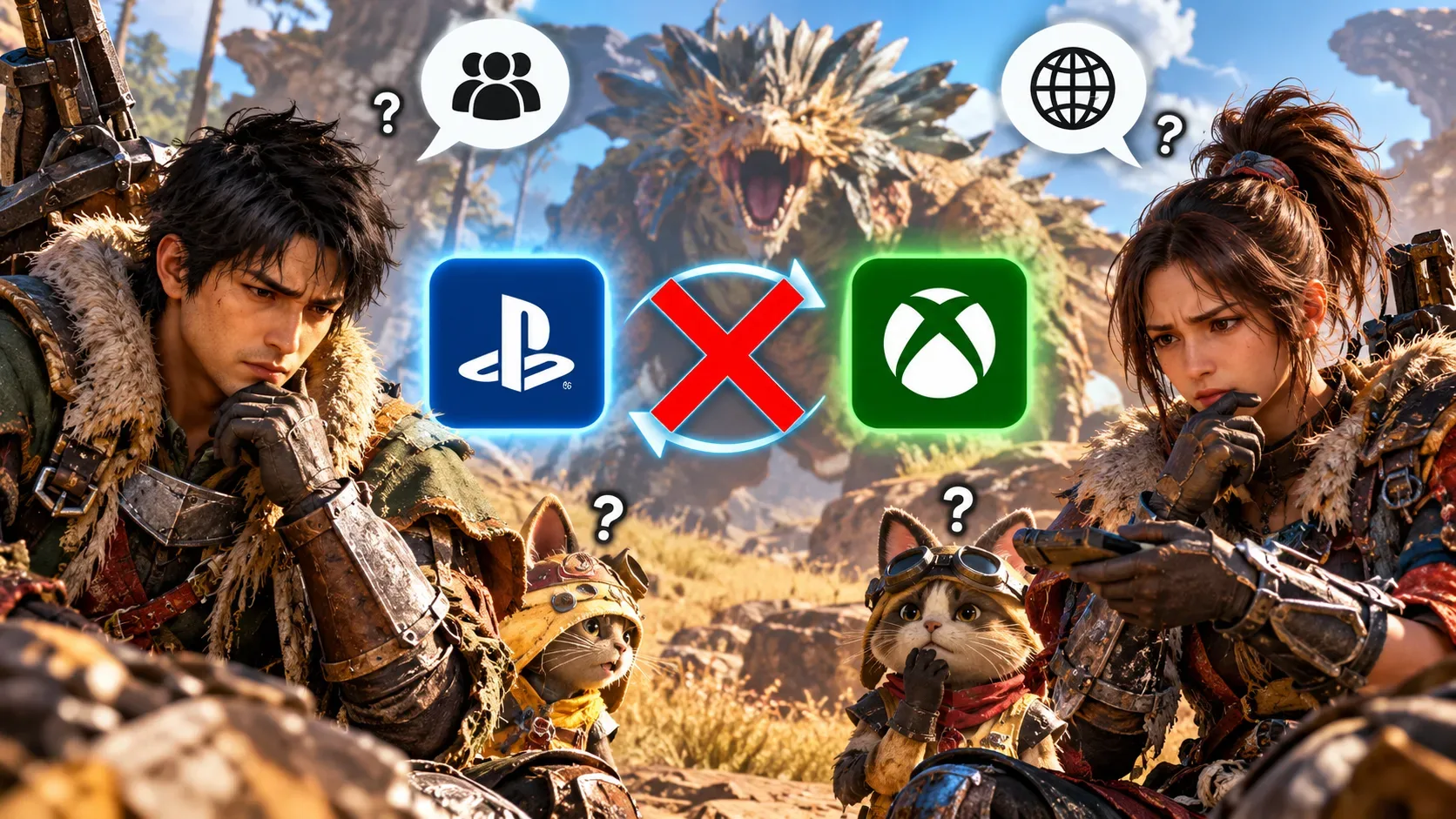
In Monster Hunter Wilds, two friends can both be on PC/Steam, PlayStation 5, or Xbox Series X|S and still be unable to play together because of crossplay: if one player has it enabled and the other has it disabled, they belong to incompatible matchmaking groups. This rule appears in Capcom's manual, available in an archived copy. Sharing a platform does not remove the need for matching settings.
Why isn't being on the same platform enough?
The overall crossplay switch does more than accept or reject people on other systems. It determines which players your game can connect to. When enabled, it lets you meet other players who also enabled it, including those on your platform. When disabled, it restricts you to people on that same platform who also disabled it.
| Player A | Player B | Can they connect? |
|---|---|---|
| Same platform, crossplay on | Crossplay on | Yes, under the general compatibility rules |
| Same platform, crossplay off | Crossplay off | Yes, under the general compatibility rules |
| Same platform, crossplay on | Crossplay off | No, while their settings differ |
| Different platforms, crossplay off | Crossplay off | No, because neither allows other platforms |
This table describes crossplay compatibility, not a guaranteed connection: online access requirements, service availability, game versions, and quest restrictions can still prevent players from meeting.
How to fix the setting without confusing two options
- Both players should return to the title screen before loading their characters.
- On each game, open Options > Game Settings > Crossplay, using the menu labels from the English manual.
- Choose the same setting on both accounts. Everyone must turn it on to play across different platforms; friends on the same platform can both leave it on or both turn it off.
- Load the game again and retry the Link Party invitation, lobby search, or quest join request.
According to Capcom, the global crossplay switch can only be changed from the title screen. The in-game Options menu does not offer it once a save has been loaded. If someone changes the setting while belonging to a squad, that squad's compatibility should also be checked.
Quest platform permissions are not the global switch
A second setting exists at the Quest Counter: Platform Permissions. With global crossplay enabled, you can use it to limit a posted quest or an SOS Flare quest search to All Platforms or Your Platform. This narrows participation in that activity, but does not turn disabled crossplay on or allow friends with mismatched global settings to form a Link Party.
For example, two Steam friends who both have global crossplay enabled can still play together when choosing a same-platform-only quest. But a friend with global crossplay disabled does not become compatible merely because the host selects Your Platform. The two controls operate at different levels.
Link Parties, squads, and quests have their own rules
All members of a Link Party, a group that helps friends organize hunts, must share the same crossplay setting. Squads retain the setting chosen by their leader when the squad was created, and that setting cannot be changed afterward. If a member changes their global preference so that it no longer matches the squad, they lose access to that squad's features until the settings match again.
Even after matching crossplay settings, players must check whether invitations arrive, the quest accepts new participants, there are open slots, and any password or recruitment restriction blocks entry. Joining a Link Party does not automatically put everyone in the same quest; players still need to join the hunt. PC Gamer's guide explains the invitation and quest-joining process.
What if the connection still fails?
First, check that everyone has installed the version needed for online play and that network services are available. Then try a fresh invitation or lobby, review the quest's privacy and join conditions, and verify network connectivity on each platform. These checks can help distinguish mismatched settings from a network fault, but cannot guarantee a fix for every error.
There is an important date-related caveat: on October 27, 2026, Capcom announced Steam version 1.042.00.03, including measures to reduce communication errors in certain network environments. That does not mean every connection fault was eliminated, nor does it change the underlying rule requiring matching crossplay settings. Vandal reported matchmaking problems and error codes in March 2025; those historical observations should not automatically be taken as the diagnosis for a current issue.
Finally, crossplay is not cross-save. The former controls who can play together online; the latter would transfer progression between platforms, which the game does not provide as a general save-transfer feature. Changing crossplay does not move characters or saved progress.