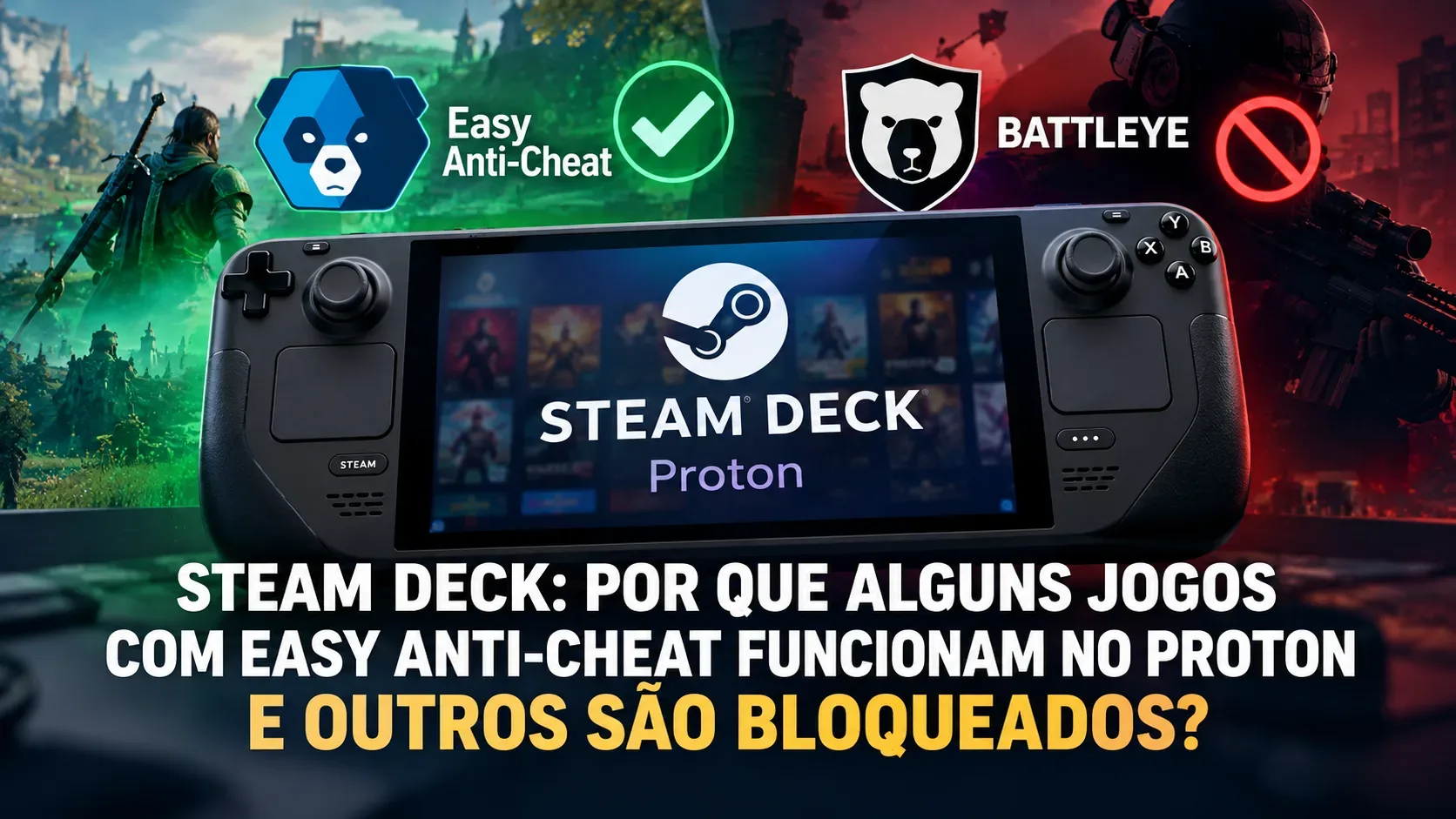
Using the same Easy Anti-Cheat (EAC) does not produce the same result on Steam Deck. Proton can technically support certain anti-cheat systems, but each game must be configured and tested by its developer. A publisher can also deny Linux access as a security policy even when the middleware offers compatibility. Consequently, one EAC game may run normally while another EAC game refuses entry to multiplayer sessions.
The key distinction is between Proton's capabilities, the game's own integration, and the servers' access policy. This explanation concerns Steam Deck running SteamOS and Windows games running through Proton; it does not treat the presence of EAC as proof of support. Compatibility information can change on a game-by-game basis. Checked on October 25, 2026.
Proton support does not mean anti-cheat has been enabled
Proton is the compatibility layer that runs many Windows games on Linux. In its Steamworks documentation, Valve explicitly says Proton supports Easy Anti-Cheat and BattlEye, while requiring per-title enablement or configuration. That is not blanket permission for every game that uses those vendors.
Three separate conditions must be met: the game and launcher have to work under Proton; the appropriate anti-cheat client module must be integrated and active; and the publisher or game servers must accept that client. If any of these fails, a player might see a launch error or be rejected when joining a match. The exact failure depends on the implementation.
How EAC, BattlEye and kernel-level systems differ
Easy Anti-Cheat: Valve states that Proton support does not require rebuilding the game executable, but must be enabled manually. For the older integration identified in its documentation as Kamu, the studio must enable Linux, activate the appropriate module and publish the necessary files with its game build. For the Epic Online Services (EOS) integration, Epic documents a Linux client module for Wine/Proton alongside setup, testing and ongoing updates. The technology's availability therefore does not prove a particular game build has been prepared for it.
BattlEye: Valve likewise documents Proton support, subject to a manual step for each title involving the game team, Valve and the vendor. The DUCKSIDE example reported by GamingOnLinux in April 2025 illustrates an additional practical challenge: a developer said they were investigating launch failures during testing despite working with products designed to support Proton. The entire process cannot reliably be reduced to one switch.
Kernel-level anti-cheat: Valve's current Proton guidance says systems requiring kernel-space components are unsupported in that environment and recommends user-space components where appropriate. This does not mean every anti-cheat that uses a Windows driver is necessarily blocked on Linux: some vendors supply a different Proton-compatible implementation. What matters is the actual protection required by the game to authenticate and sustain a session.
A publisher can block a game that previously worked
The clearest historical illustration is Apex Legends. On October 31, 2024, Respawn announced it was blocking Linux and Steam Deck users running SteamOS, attributing the decision to its anti-cheat strategy. At the time, the game was a relevant EAC example; its access restriction did not establish a general inability of Proton to run that middleware.
Essential date caveat: on September 24, 2026, Electronic Arts announced that Apex Legends would move from Easy Anti-Cheat to EA Javelin Anticheat on September 29, 2026. As a result, it should not be described as a current EAC-protected title in October 2026. Its history instead shows how publisher decisions and anti-cheat technologies can change.
There is also an explicit restriction involving BattlEye: Bungie says Destiny 2 does not support SteamOS/Proton and warns that attempts to bypass the incompatibility may result in a game ban. General Proton support for BattlEye does not override Bungie's game-specific policy.
Four games show why support must be checked individually
In the compatibility database consulted on October 25, 2026, GamingOnLinux lists differing outcomes even among games using the same vendor. The entries below reflect that database at the time of consultation; they are neither hands-on tests conducted by Dantverse nor guarantees about future updates.
| Game | Listed anti-cheat | Reported status | What it illustrates |
|---|---|---|---|
| Dead by Daylight | Easy Anti-Cheat | Works with Proton, according to GamingOnLinux | An EAC title can run under Linux |
| DRAGON BALL FighterZ | Easy Anti-Cheat | Broken/incompatible, according to GamingOnLinux | Sharing an anti-cheat vendor does not guarantee access |
| DayZ | BattlEye | Works with Proton, according to GamingOnLinux | BattlEye can also be enabled for individual games |
| Destiny 2 | BattlEye | Blocked on SteamOS/Proton; restriction documented by Bungie | Game policy takes precedence over generic technical support |
A community compatibility status is not an official guarantee and does not necessarily distinguish a networking fault from a game update, anti-cheat change or publisher policy. A once-working game may change after a patch. Similarly, Steam Deck compatibility badges cover more than anti-cheat alone, and reviews can be updated.
Decision tree: what players should check
- Which operating system are you using? On Steam Deck with SteamOS, Windows games generally depend on Proton. Do not confuse that with running Windows on the same hardware, where requirements differ.
- Does the game officially allow Linux/SteamOS? Start with the game's official site, support documentation and its current Steam compatibility rating. If the publisher expressly blocks it, treat it as unsupported.
- Which anti-cheat protects matches? EAC, BattlEye and kernel-dependent products have different requirements; a vendor's name is not enough. Cross-check official information with the current GamingOnLinux list, noting the report's date, game mode and platform.
- Has support been enabled and does it work? For officially supported games, keep SteamOS, the game and official Steam components updated. GamingOnLinux's guide mentions the official Proton EasyAntiCheat Runtime and Proton BattlEye Runtime for games that require them. Installing these does not authorize access to a publisher-blocked game.
- Are you rejected or shown an incompatibility warning? Do not alter anti-cheat software, disguise the operating system, modify security files or attempt to bypass restrictions. Check official announcements and wait for an authorized fix or change in support. Bans can affect the account under a game's own rules.
Can changing Proton versions fix the issue?
Sometimes a Proton or game update fixes a technical regression in a game that already permits Linux. But forcing a different Proton version neither replaces the developer's EAC/BattlEye enablement nor reverses a publisher ban on access. Diagnose in this order: is the game permitted on SteamOS, is its anti-cheat module integrated, and is there a documented current technical failure? If the answer to the first question is no, no legitimate user-side configuration change can grant authorization.
Sources and references
- Valve Steamworks: Steam Hardware and Proton
- Epic Games: Anti-Cheat Interfaces
- Valve Steamworks: Steam Deck and Steam Machine Compatibility Review
- GamingOnLinux: Anticheat check (21 May 2026, updated 23 June 2026)
- GamingOnLinux: Anti-Cheat Compatibility List
- Respawn: Dev Team Update: Linux & Anti-Cheat (31 Oct 2024)
- Electronic Arts: EA Javelin Anticheat is Coming to Apex Legends (24 Sep 2026)
- Bungie Help: Destiny 2 Steam Guide
- GamingOnLinux: DUCKSIDE and BattlEye (9 Apr 2025)