In Little Nightmares III, a save started in single-player cannot be resumed in co-op, and a co-op save cannot be continued solo. This is a save-file rule confirmed by Bandai Namco, not evidence that progress has disappeared. To use the other mode, you must start a separate playthrough. The game supports up to eight saves per player.
There is a second restriction: a co-op campaign must be completed by the same two players who started it. Starting a game with a different partner therefore also requires a new save. The publisher explains the rule but does not identify a specific technical cause. Attributing it to synchronization, checkpoints or a bug would be speculation.
What is set when a save is created?
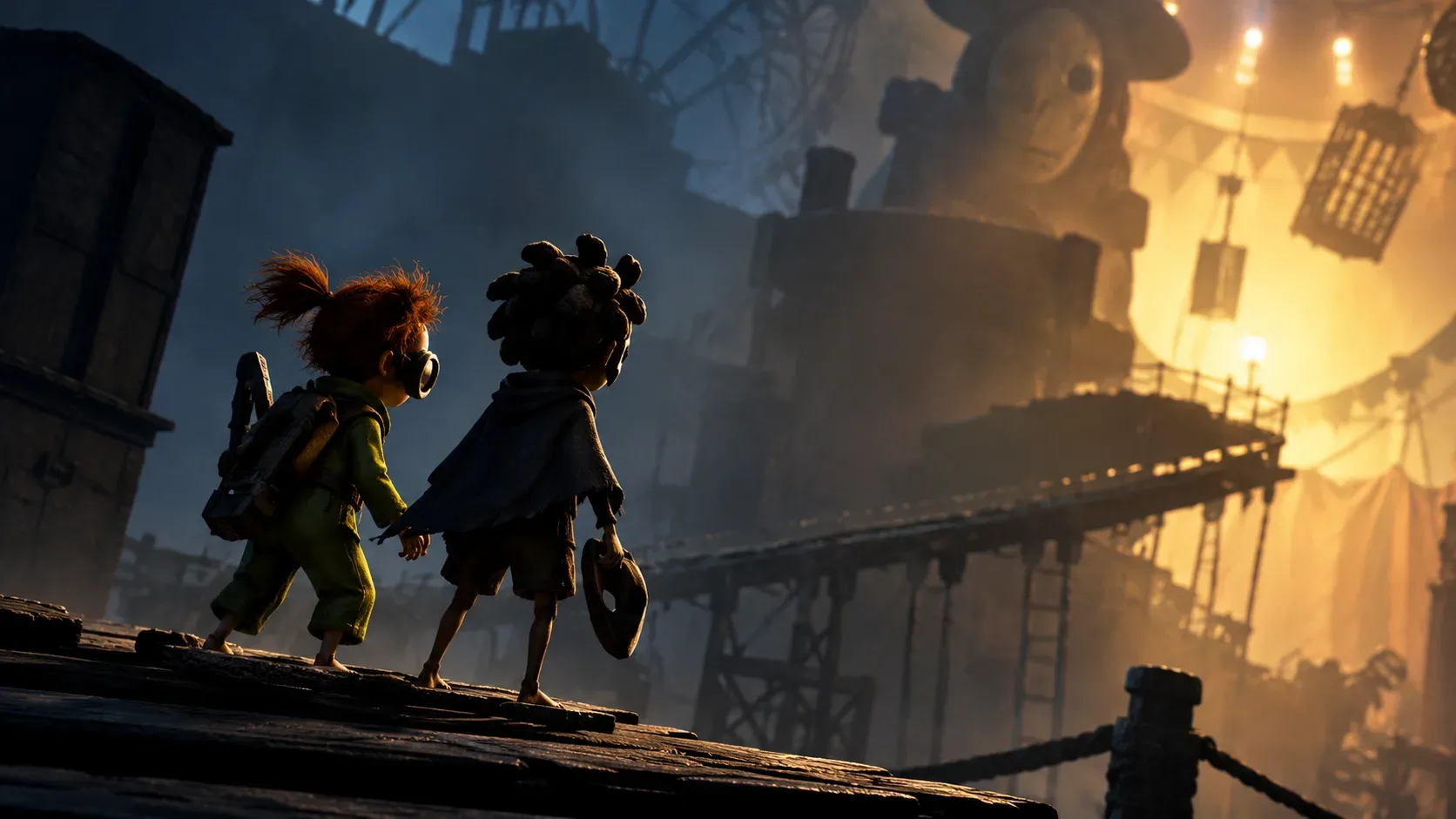
The game follows Low and Alone. In single-player, you control one protagonist while AI controls the other. In co-op, two people control the characters online. Although they travel through the same adventure, the playthroughs are not interchangeable: the choice between solo and co-op stays with the save that was created.
In practical terms, reaching several chapters alone does not let you invite someone to take over the second character in that existing save. Likewise, if your co-op partner is unavailable, you cannot have AI take over to continue the campaign you began together. You can, however, start another campaign from the beginning in a different slot.
What are the eight save slots for?
The eight slots are a maximum of eight saved playthroughs per player, not eight reserved for solo plus another eight for co-op. They let you keep parallel campaigns, such as one personal run and another with a friend, without converting one file into the other.
Before starting another run, identify the slot used for your previous campaign and choose a different available slot. Do not overwrite or delete the old game just to switch modes. The official sources consulted do not describe a feature that transfers progress from a solo slot into a co-op slot or converts one co-op pair's save into another pair's game.
Decision tree: how to choose the right save
- Want to resume exactly where you stopped? Open the original save and keep its original mode. For co-op, return with the same two players.
- Started solo but now want a friend to join? Create a new co-op playthrough. Progress from the solo campaign does not automatically move across.
- Started together but now want to play alone? Begin a solo campaign in a separate slot. Your co-op playthrough remains separate.
- Want to change your co-op partner? Start a new co-op game with the new pair; do not expect to resume the previous pair's save.
- No empty slot available? Check which playthroughs you want to preserve before making changes. The published limit is eight saves per player.
What happens in each situation?
| Situation | Same save possible? | What to do |
|---|---|---|
| Continue solo with the same character and AI partner | Yes, while staying in solo mode | Resume your existing solo save |
| Turn a solo save into a co-op run | No | Use another slot and start a co-op campaign |
| Continue alone in a save started by two players | No | Keep the co-op save and create a separate solo run |
| Continue co-op with the original pair | Yes, in co-op mode | Resume the save with the same two players |
| Replace one member of the original co-op pair | No, according to official guidance | Start another co-op campaign in a new slot |
Does Friend's Pass restore progress or allow mode switching?
No. Free Trial & Friend's Pass makes online co-op more accessible, but it does not change save-file restrictions. If one person owns the full game, the other can download Friend's Pass and join the co-op campaign without buying a second copy, provided the platform and connection requirements are met.
It matters to distinguish carrying over progress from the free trial from changing a save's game mode. Bandai Namco says progress made in the free trial can carry over when a participant purchases the full game. That does not mean an existing solo save can be converted to co-op, or that the partner in an existing two-player campaign can be replaced.
Local co-op, cross-play and other limitations
Little Nightmares III offers online co-op only. There is no local, same-screen or same-device co-op; solo play is still available with the AI companion. Playing as a pair requires an internet connection, and an online subscription may be required on some platforms.
Official materials also say both players must be on the same platform and that cross-play between different manufacturers is unsupported. Do not assume two editions or console generations are compatible merely because they share a brand. Check the exact versions involved before purchasing or arranging a session.
Why can it look as though your progress has been lost?
A common source of confusion is trying to resume a campaign in a different mode from the one it started in. The publisher's recommended alternative is to keep the original save and start another, rather than expecting the game to adapt the progress. This does not establish that every reported lost save has the same cause. If a file has actually disappeared from the save list, check the account in use and your platform's save features without assuming that the mode restriction explains it.
Information checked against official guidance available on October 21, 2026. Later updates may change features or compatibility.