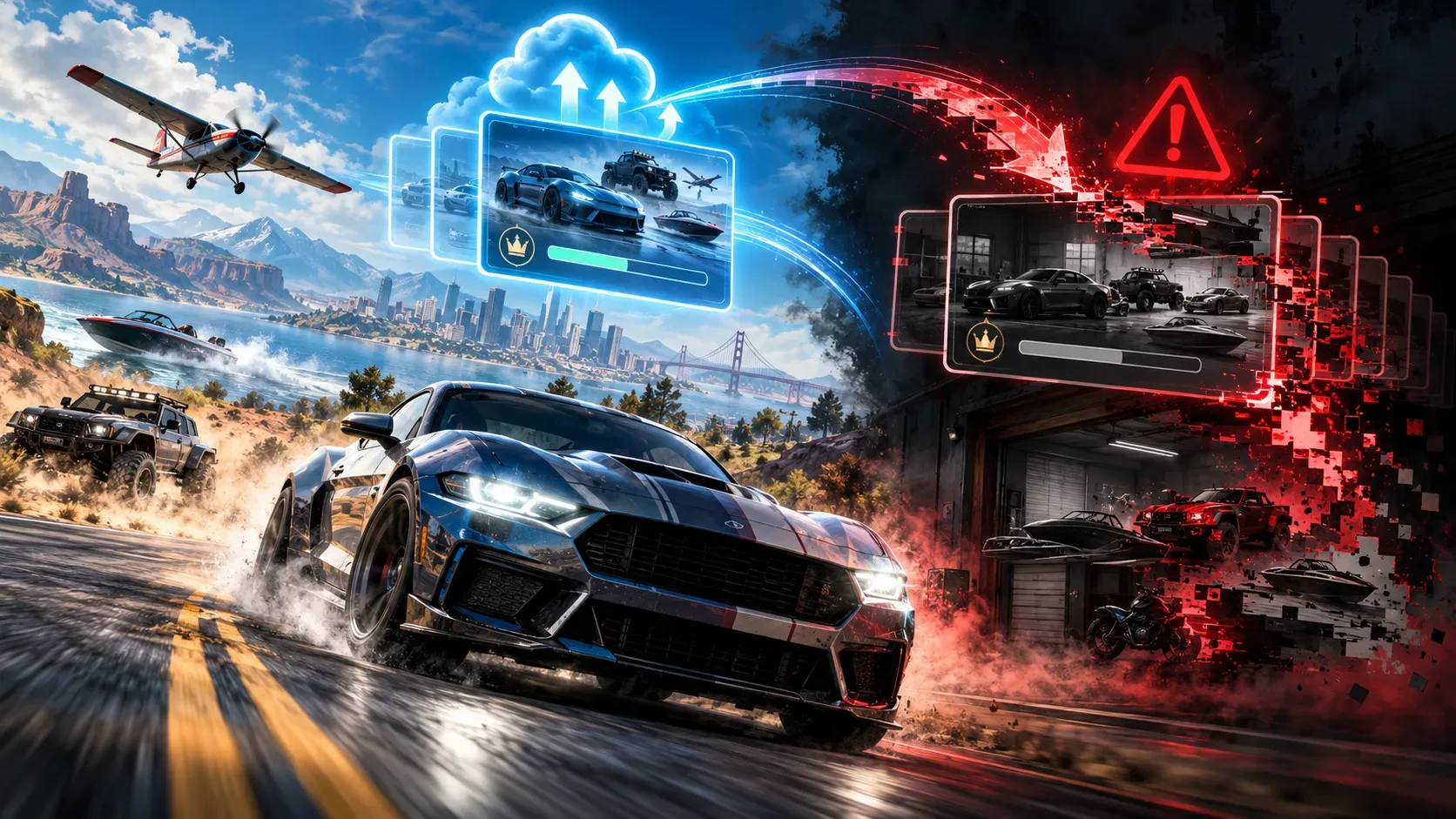
Re-exporting your online save in The Crew 2 can erase offline progress because the two modes keep separate save files and the export command replaces the existing offline copy. Ubisoft confirms that vehicles and progress earned only while offline do not move back into the online save and can disappear when that save is exported again. The April 2026 update expanded offline customization and statistics features, but it did not announce two-way synchronization or recovery of overwritten saves.
Export means copying and replacing, not syncing
Hybrid Mode launched on October 16, 2025. With an internet connection, players can choose online or offline at startup; without a detected connection, the game launches offline. Using Export to Offline Save from the online experience creates a local copy of your progression at that moment. From then on, the two paths diverge. Ubisoft also documented save creation through the online login menu, the HUB's Offline tab and Settings.
| Action | Where progress is stored | Risk or limitation |
|---|---|---|
| Keep playing online | In the online save | The offline file does not update automatically. |
| Keep playing offline | In the local offline save | Offline progress is not uploaded back online. |
| Export online progress to offline | Creates or replaces the offline copy with the online state | Re-exporting erases progress exclusive to the previous offline save. |
| Return to the login screen to switch modes | The saves remain separate | Switching modes does not merge their progression. |
Imagine buying a car offline and, days later, exporting an online save that still lacks it. Ubisoft's own example involves the Bugatti La Voiture Noire: an offline purchase will not appear in the online garage. A later online export therefore cannot include that purchase and overwrites the local version that held it.
Vehicles, Crew Credits and rewards require different decisions
Exporting also copies the Crew Credits balance available online at that point into the offline save. Ubisoft says those local credits can be spent on eligible items, such as vehicles in the offline catalogue. This does not unlock the online Crew Credits store: certain vanity items and bundles, along with the Far & Beyond shop, remain unavailable offline.
If you buy additional Crew Credits online after making the copy, you must re-export the online save to reflect the new offline balance. There is a potential cost to doing so: the offline progress accumulated since the previous export will be replaced. The documentation does not describe a merge that keeps both newer online purchases and every offline-only achievement.
Vehicle packs, the Season Pass and Ubisoft Connect rewards require a different precaution. Ubisoft advises players to claim those items in The House or at an HQ while online before exporting, so they are included in the offline copy. Being entitled to a reward and actually claiming it in the game are not necessarily the same step.
What to check before exporting again
- Identify your current mode. The game displays online/offline indicators on the login screen and beside your Fame rank. Check which save you are progressing in.
- Review what exists only offline. Consider acquired vehicles, completed events, spent balances, statistics and locally created customizations since the last export.
- Compare that with your online additions. Decide whether new vehicles, claimed rewards or online Crew Credits justify replacing the current offline state.
- If preserving offline progress matters most, do not re-export. You can keep using the local file without assuming reconnecting will transfer your progress.
- If you do re-export, treat it as replacement. Do not expect the command to add together two garages, balances or progression histories.
This is a decision checklist based on documented behavior, not a promise of a backup or restoration tool. The Ubisoft publications reviewed provide no guaranteed procedure for retrieving offline progression after it has been overwritten.
What changed in the April 22, 2026 patch?
The official April 22, 2026 update removed an important limitation described at launch: players can now create and save vehicle liveries offline. The My livery menu displays liveries created offline and those saved from online, and supports creating and storing sticker groups. Online Mode also offers specific Save offline buttons to save liveries and sticker groups for offline use.
Players can also add online pilot and vehicle statistics to their offline profile, while offline statistics now advance within the offline save. The patch added a return-to-login option without restarting the game and changed how often the automatic-save message appears.
The crucial distinction: saving an individual livery for offline use is not the same as synchronizing the two full save files. Ubisoft did not say in this patch that the general export command had stopped replacing the offline save or that offline progression could be uploaded online. Statements from 2025 about custom liveries being unavailable need to be read alongside this specific 2026 change.
What still differs between the two modes?
In its launch documentation, Ubisoft listed LIVE Summits, multiplayer competition, Crews, global leaderboards, other players' ghosts, the Race Creator and certain achievements as online-dependent features. The April patch specifically addresses liveries, statistics and switching between modes; it does not announce the general return of those systems offline. Being able to customize a car without internet access therefore does not imply access to every community feature.
Can you recover an offline save that has already been overwritten?
The official documents reviewed describe no guaranteed recovery. Ubisoft explicitly says re-exporting erases progress exclusive to the previous offline save. Reconnecting or exporting the online save again is not a documented way to restore what was lost. If a separate older backup exists outside this process, whether it can be restored depends on the system and requires separate verification, not on a recovery feature announced for Hybrid Mode.